.avif)
Claude isn't forcing you to choose between UI and conversation. They're mixing them. And that's the future.
Claude UX Is Killing ChatGPT: The Rise of Hybrid AI Interfaces
We've been watching the AI interface war closely. And here's what we're seeing: Claude's UX is killing ChatGPT. ChatGPT is trying to catch up, but very slowly.
For years, designing AI products meant choosing one of two paths. Either full UI - calendars, lists, cards, buttons. Or conversational interfaces - mostly text-based chat.
Chat felt natural. But it wasn't always efficient.
If you're trying to find date availability, typing back and forth takes forever. Same with voice. That's why products like Humane AI Pin and Rabbit failed. Voice-only for everything? Slow. Frustrating.
Claude is not forcing you to choose. They're mixing both.
The Breakthrough: Generative UI in Chat
Here's what Claude just launched, and why it matters.
When you need multiple-choice options, Claude gives you one-click buttons. When you ask for data, it shows you a chart, not a paragraph. When you need a form, it builds one right in the chat.
This is called on-demand generative UI. The AI doesn't just output text - it creates interactive interfaces that render and run in your session. You can click buttons. Fill out forms. Interact with visualizations.
The best of both worlds. That's, by the way, probably 50% of the interfaces we're designing right now at Orizon.
What Claude does differently:
Claude's new Interactive Visualization feature (launched March 2026) generates:
- Recipe cards with adjustable servings
- Weather forecasts as visual cards
- Multiple-choice questions as one-click buttons - not typed responses
- Charts, diagrams, calculators
- Mini-apps that run directly in chat
It's not code you read. It's a running, interactive app you use immediately.
🤖 50% of what we're building right now is hybrid AI. Let's make yours one of them →
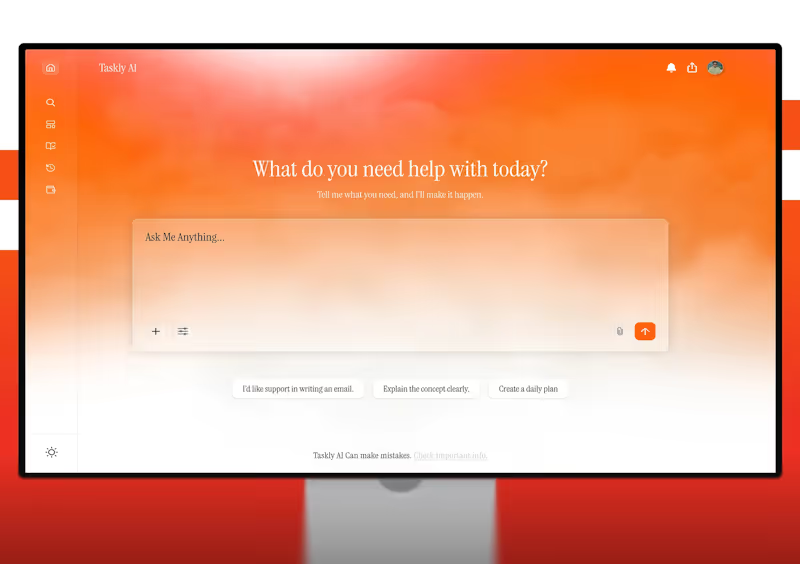
Why Chat-Only Interfaces Failed
We've seen this pattern before. Products that forced everything through conversation - no GUI, no visuals - struggled.
The Humane AI Pin problem. Voice-only for everything. No screen. No visual confirmation. Users couldn't browse options visually, confirm what the AI understood, see multiple choices at once, or navigate complex menus efficiently. Result: slow, frustrating, high error rate.
The Rabbit R1 problem. Same issue. Pure conversational interface. No hybrid approach.
The lesson: the fastest path to a goal isn't always conversation. Sometimes it's a button. Sometimes it's a visual menu. Sometimes it's a form.
ChatGPT Is Playing Catch-Up
OpenAI launched a similar feature for ChatGPT just days before Claude - interactive visualizations for math and science concepts.
But here's what we're seeing in practice: Claude's execution is cleaner.
ChatGPT is really behind when it comes to that. It used to be our go-to for prototyping AI interfaces. But now Claude is really killing it.
Why This Is the Future of AI Interfaces
At Orizon, we've built 400+ products for companies like TELUS, Red Bull, and Netflix. And we're seeing a clear trend: the best AI products blend conversation with structured UI.
Use conversation when:
- The task is open-ended ("What should I focus on this week?")
- The user is exploring ("Help me brainstorm blog topics")
- Natural language is faster ("Find flights to Montreal")
Use structured UI when:
- Users are choosing between options - buttons beat typing
- Data needs to be shown - charts beat paragraphs
- Input is specific - forms beat free text
- Users are browsing - visual grids beat text lists
Mix both most of the time. Start with conversation, then generate UI when it makes the task faster. That's what Claude nailed. And that's what we're designing for clients right now.
What This Means for UX Designers
If you're designing AI products, this shift changes the job.
You're no longer designing pages. You're designing patterns, systems, and rules for when to show a button versus when to use conversation.
You need to think in flows. Not "what does the dashboard look like?" but "what does the user need right now, and what's the fastest way to give it to them?"
Prototyping just got faster. Tools like Claude's Artifacts let you generate interactive prototypes in minutes. Test the conversational flow. See if a button works better than typed input. Iterate fast.
Key Takeaways
- Pure chat interfaces aren't always efficient - voice-only products like Humane AI Pin failed for a reason
- Pure GUI isn't flexible enough - users want natural language when they need it
- Claude is pioneering generative UI, creating interactive interfaces on-demand within chat
- ChatGPT is catching up, but Claude's execution is cleaner
- The future is hybrid: conversation when it makes sense, structured UI when it's faster
- Designers need to think in systems and patterns, not static pages
- AI products that blend both will win - and that's 50% of what we're building right now
Ready to design beyond the chatbox? Contact us today 🚀
FAQs
What is generative UI?
Generative UI is when an AI model dynamically creates a user interface based on your request - not as code you read, but as a running, interactive application you use immediately. Claude generates buttons, forms, charts, and mini-apps directly in chat.
How is Claude's UX different from ChatGPT?
Claude generates interactive UI elements - buttons, charts, forms - within the chat when it makes tasks faster. ChatGPT recently added similar features, but Claude's implementation is cleaner and more intuitive. Claude also handles structured responses like multiple-choice questions as one-click buttons instead of requiring typed input.
Why did voice-only products like Humane AI Pin fail?
Voice-only interfaces are slow and frustrating for tasks that benefit from visual confirmation or browsing. Users couldn't see options, confirm what the AI understood, or navigate efficiently. The fastest path isn't always conversation - sometimes it's a button or a visual menu.
Is chat better than traditional GUI?
Neither is universally better. Chat is great for open-ended, exploratory tasks. GUI is faster for structured tasks like forms, data visualization, and multiple-choice selections. The best AI products blend both - using conversation when it's natural and UI when it's faster.
What is Claude's Interactive Visualization feature?
Launched in March 2026, this feature lets Claude generate interactive content directly in chat: recipe cards, weather forecasts, charts, diagrams, calculators, and mini-apps. You can interact with them - click buttons, adjust values - without leaving the conversation.
How are designers adapting to generative UI?
Designers are shifting from designing static pages to designing systems and patterns. Instead of "what does the dashboard look like?" they ask "what does the user need right now, and what's the fastest way to deliver it - conversation or UI?" This requires thinking in flows, not screens.
Can ChatGPT do generative UI too?
Yes, OpenAI added interactive visualizations for math and science concepts around the same time as Claude. But in practice, Claude's execution is cleaner and more versatile. ChatGPT is catching up, but Claude has the lead right now.
How is Orizon using generative UI in client work?
At Orizon, we design hybrid AI interfaces that blend conversation with structured UI. We use AI to prototype these flows fast, then add the taste, polish, and UX validation that AI can't replicate. About 50% of the interfaces we're building right now use this hybrid approach. Learn more about our AI-enabled UX design →
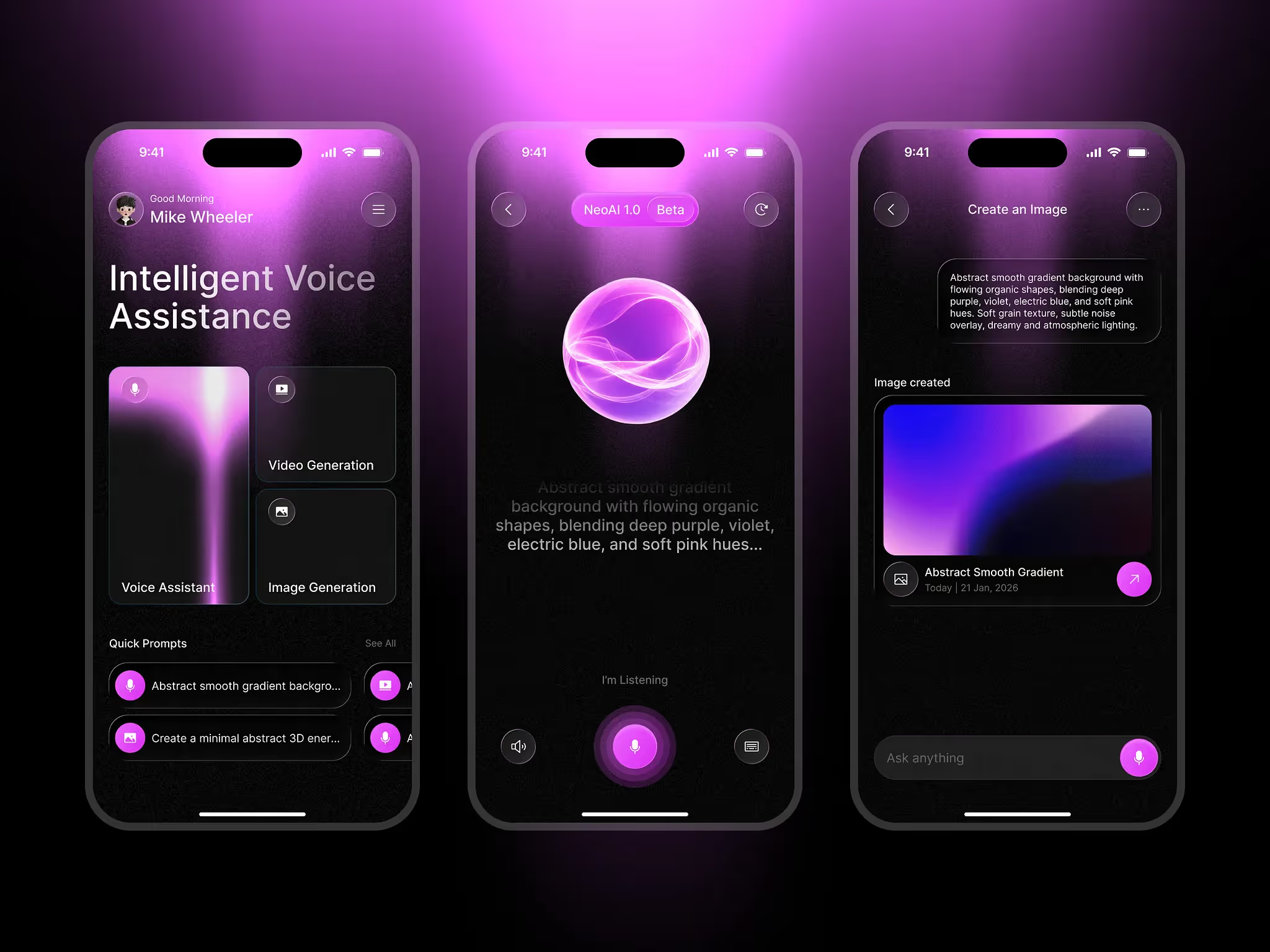
Header image: Photo by Digcy / Dribbble – “AI Voice Assistant App” (Shot #27101030).

Keep Reading
More from Orizon

Let's Talk
Design done right and fast by
people you can trust.


%20(1).avif)




.svg)


.svg)