.avif)
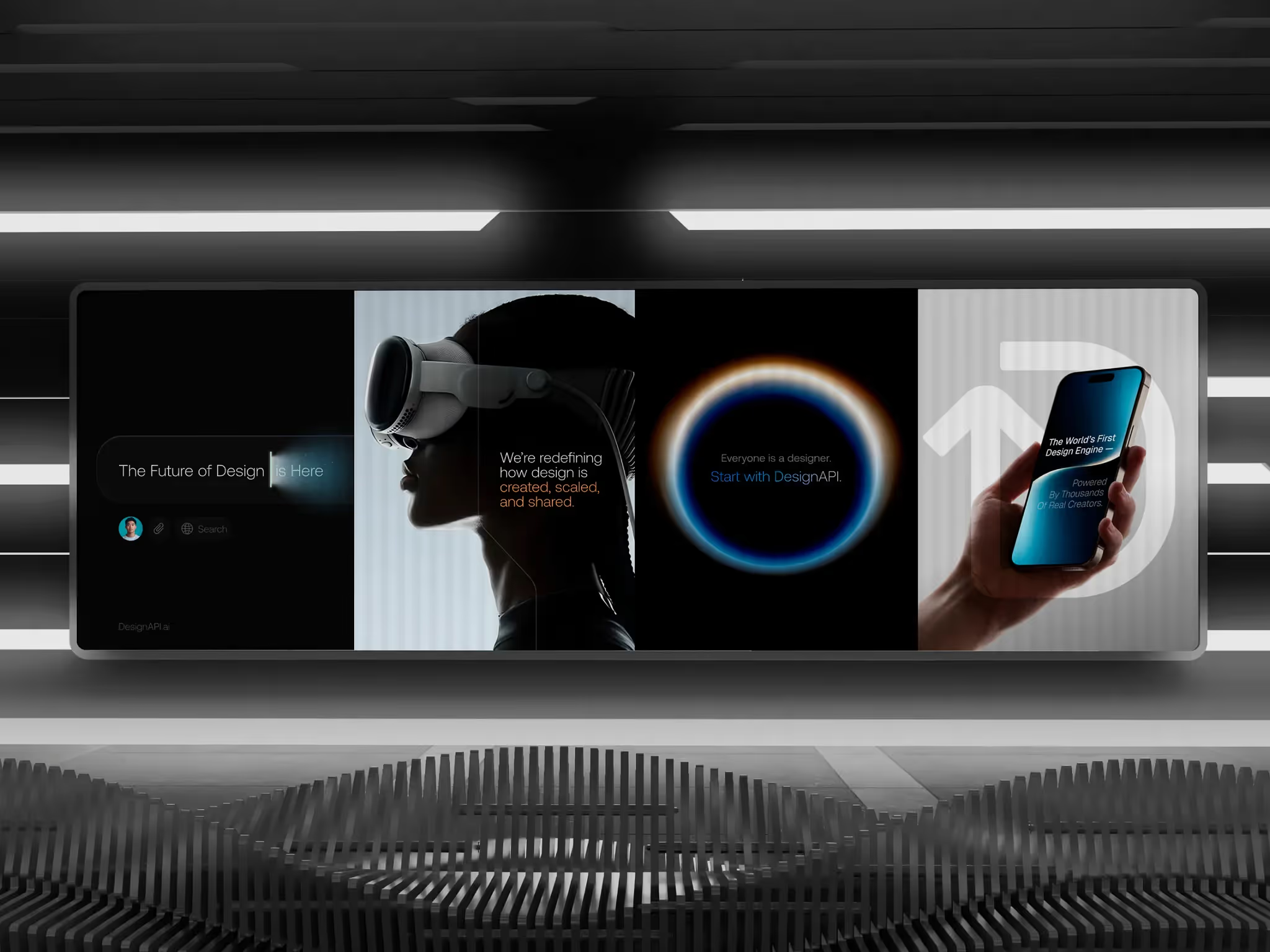
Design is being disrupted. But the designers who survive will be the ones using AI, not fighting it.
Designers Disrupted by AI: Who Survives and Who Gets Left Behind
We've worked with hundreds of designers in the last year. Most ask us the same question:
"Is AI going to replace my job?"
Here's the truth: design is being disrupted, just like coding was. Some executives are already cutting entire junior design teams - not because they're bad, but because AI can handle wireframes faster. Forrester Research predicts AI will boost UX productivity by up to 400%. That same efficiency will make low-tier work obsolete.
But the designers who survive won't be the ones fighting AI. They'll be the ones using it.
The Shift Is Already Happening
Low-tier agencies relying on cookie-cutter templates? Feeling the pressure. Junior designers who haven't adapted? Being outpaced by peers who prototype in hours instead of days.
The design industry is going through exactly what coding went through when GitHub Copilot and ChatGPT arrived. Some developers panicked. Others learned the tools and became 10x faster.
Design is no different - and if you want to understand where this is heading, we've been trackinghow AI is reshaping UI/UX design for over a year.
🤖 50% of what we're building right now is hybrid AI. Let's make yours one of them →
Why AI Can't Replace Designers (Yet)
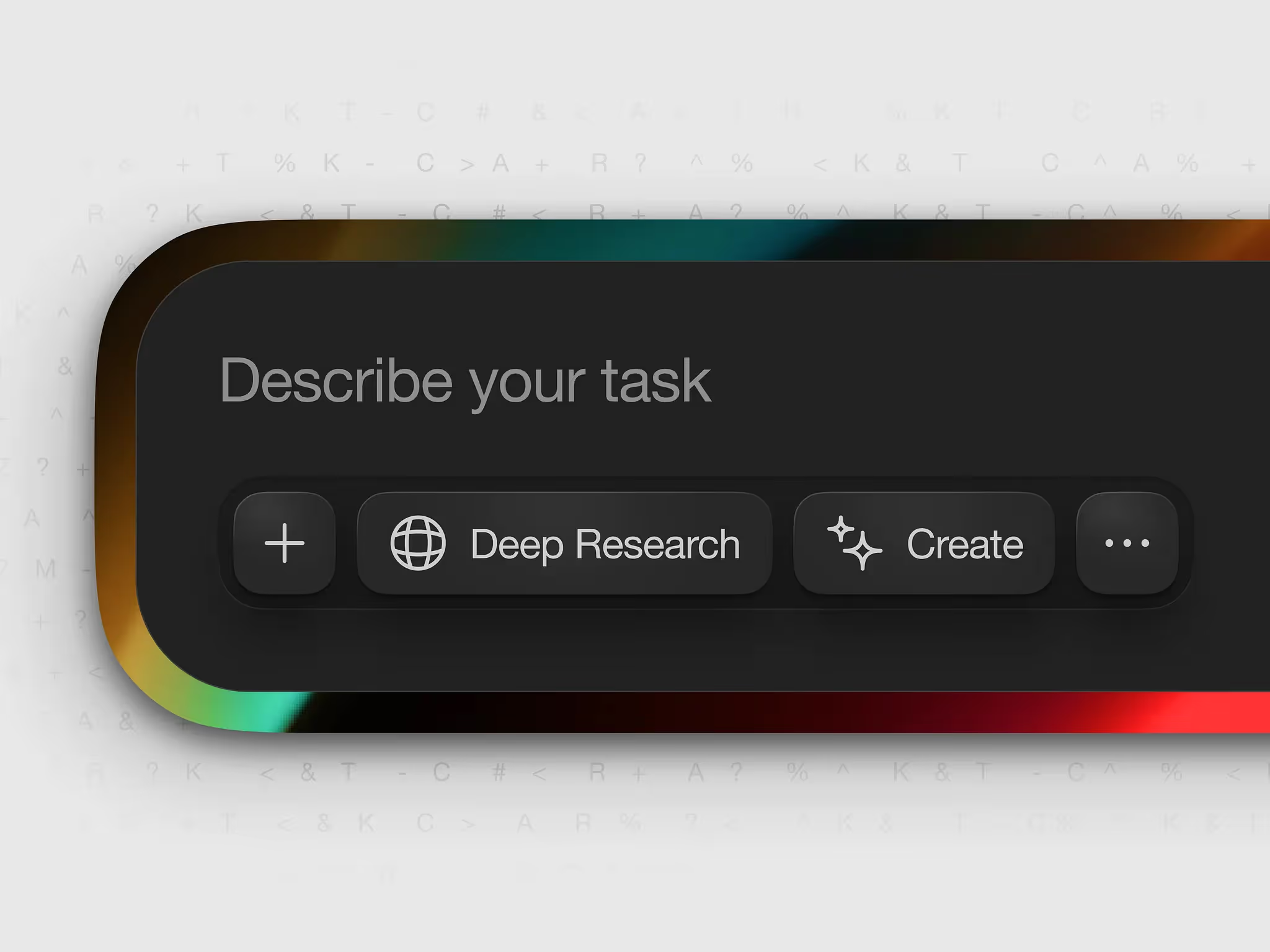
Here's what people miss: AI can't run end-to-end. It's good at the middle - generating layouts, creating first drafts, filling in gaps. But it needs two things from you.
1. A Great Prompt.
Most designers type "design me a dashboard" and get something that looks like every other AI-generated interface. Great designers guide the AI with specifics:
- User goals ("dashboard for SaaS founders tracking MRR")
- Context ("fintech app, mobile-first, dark mode")
- Constraints ("must fit 5 KPIs above the fold")
Prompting is a skill. Right now, it's one of the most valuable skills in the industry.
2. Quality Control.
AI can generate a prototype. It cannot tell you if it's good. That's where designers win - the years of experience, the taste, the ability to look at a layout and say "this feels off, users will get confused here."
We see it constantly. Two designers use the same AI tool. One ships something generic. The other uses AI as a starting point, then adds:
- Micro-interactions that guide the user
- Typography hierarchy that creates flow
- Visual details that reinforce brand
- Accessibility considerations the AI missed entirely
AI owns the middle. Prompting and quality control are where the whole difference is made.
How to Use AI Without Losing What Makes You Valuable
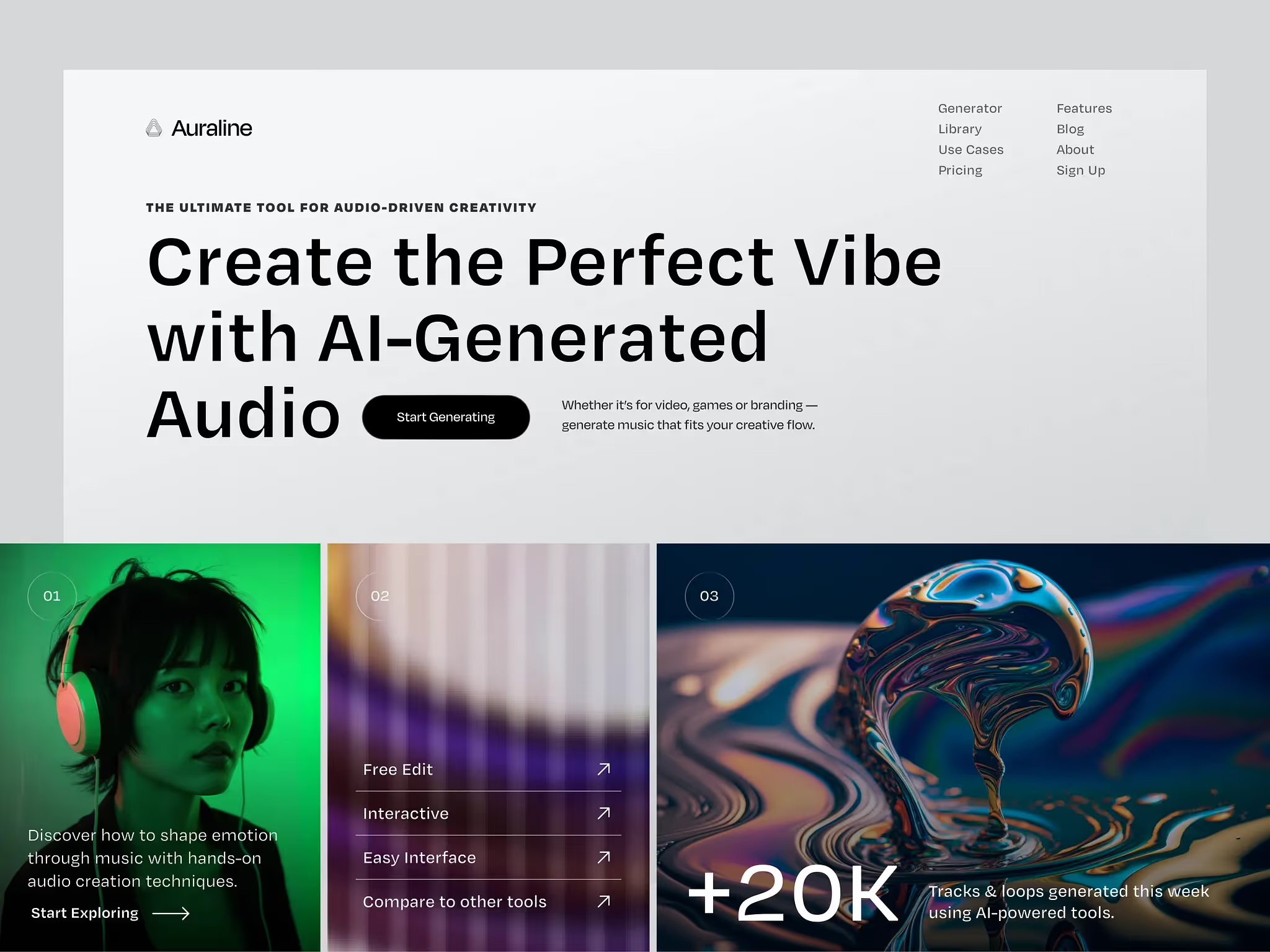
The question isn't should you use AI. It's how - without becoming a button-pusher.
If you're a junior designer, AI is now your senior. Use it to close skill gaps fast:
- Struggling with copy? Use AI to draft button labels, error messages, onboarding text.
- Slow at prototyping? Tools like v0, Replit, and Lovable generate interactive prototypes in minutes.
- Weak on illustration? Generate concept art, then refine it in Figma.
Your job isn't to compete with AI. It's to learn faster than the designer next to you.
If you're a senior designer, AI is now your junior. You should be moving twice as fast. Offload the wireframes. Let AI handle first drafts. Focus on:
- Strategy - what problem are we solving, and what's the fastest path to value?
- Taste - does this feel right? Does it align with the brand? Will users trust it?
- Polish - are the micro-interactions smooth? Is the design system consistent?
At Orizon, we've built 400+ products for companies like TELUS, Red Bull, and Netflix. AI is part of our workflow - but it doesn't replace the craft. It amplifies it.
What AI-Only Design Actually Looks Like
Clients come to us with prototypes built entirely in AI. They're happy with them. Then we run user testing, and it falls apart.
Why? Because the AI nailed the layout but missed the UX:
- Buttons that don't communicate what happens next
- Forms that ask for too much too soon
- Navigation that assumes users already know where they are
In competitive spaces like SaaS, e-commerce, and fintech, great UX is a differentiator. Users expect polished, intuitive experiences. AI alone can't deliver that - not yet.
Lazy Design Is Getting Disrupted. Good Design Isn't.
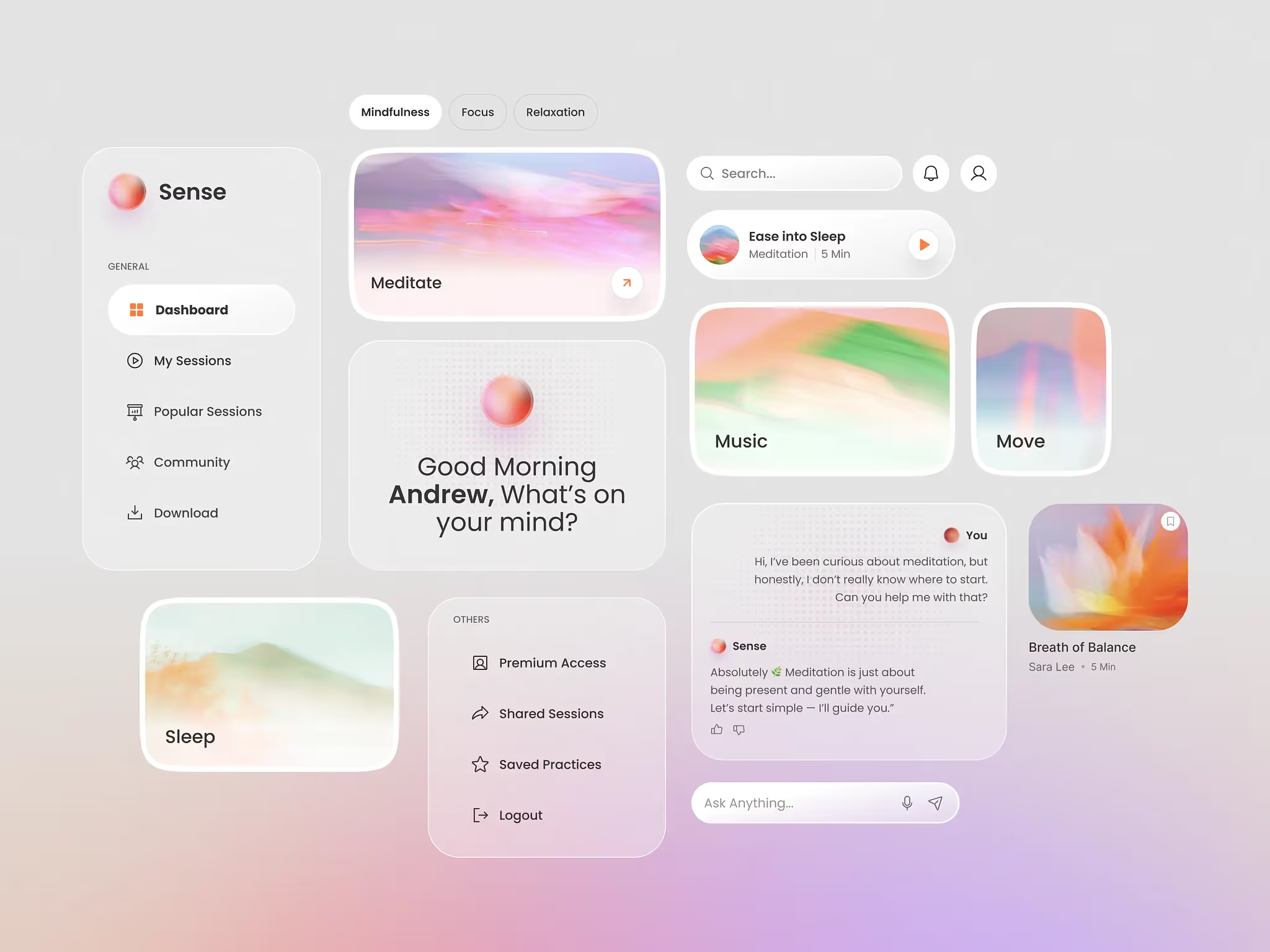
The designers who thrive prompt well, use AI to move faster (not to replace thinking), and bring the taste and polish AI can't replicate. They design systems, not pages. They treat AI as a tool, not a co-founder.
If you're fighting AI, you're fighting the wrong battle. The real competition is the designer next to you who's already using it.
Ready to work with a team that knows how to use AI without losing the human touch? Contact us today 🚀
FAQs
Will AI replace UX designers?
No - but it will replace designers who don't adapt. AI can generate layouts and first drafts, but it can't provide strategy, taste, or quality control. Designers who learn to prompt AI effectively and add polish will become more valuable, not less.
What skills do designers need to survive AI disruption?
Two critical ones. Prompting - guiding AI with clear, specific instructions so the output is actually useful. Quality control - the taste, polish, and UX validation to refine that output into something users love. Neither can be automated.
Should junior designers use AI tools?
Absolutely. AI can help junior designers close skill gaps - in copywriting, illustration, prototyping - and move significantly faster. Think of it as your senior designer: it can teach you patterns and accelerate your workflow in ways that would have taken years before.
How are senior designers using AI?
Senior designers use AI to offload wireframes and first drafts, then focus their time on strategy, taste, and polished execution. AI becomes the junior - handling repetitive work while the designer focuses on the decisions that actually determine whether a product succeeds.
What's the difference between designers who use AI and those who don't?
Speed and focus. Designers using AI prototype in hours instead of days, iterate more, and spend their time on what AI can't replicate - strategy, taste, and quality control. The gap between the two is widening quickly.
Is AI good enough to ship designs without a designer?
Not yet. AI-generated designs consistently miss:
- Clear UX - buttons that don't communicate intent, confusing navigation
- Micro-interactions that guide users through a flow
- Accessibility considerations
- Brand consistency and polish
Users can tell the difference. In competitive industries like SaaS, e-commerce, and fintech, polished UX is a meaningful differentiator.
Where do I start with prompting AI for design?
Be specific. A prompt like "design me a dashboard" produces something generic. A prompt with user goals ("SaaS founders tracking MRR"), context ("fintech, mobile-first, dark mode"), and constraints ("5 KPIs above the fold") produces something usable. Practice with tools like v0, Replit, Lovable, and Figma AI plugins. Specificity is everything.
How is Orizon using AI in design projects?
AI is part of our workflow - but not a replacement for craft. We use it to generate first drafts faster, test multiple directions quickly, and offload repetitive tasks. Then we add the strategy, taste, and polish that AI can't replicate. Learn more about how AI is shaping UI/UX design →
Header image: Photo by Lolopepe for Eloqwnt / Dribbble – “DesignAPI — AI Design Platform Pack” (Shot #26973327).

Keep Reading
More from Orizon

Let's talk
Design done right and fast by people you can trust.


%20(1).avif)




.svg)


.svg)