.avif)
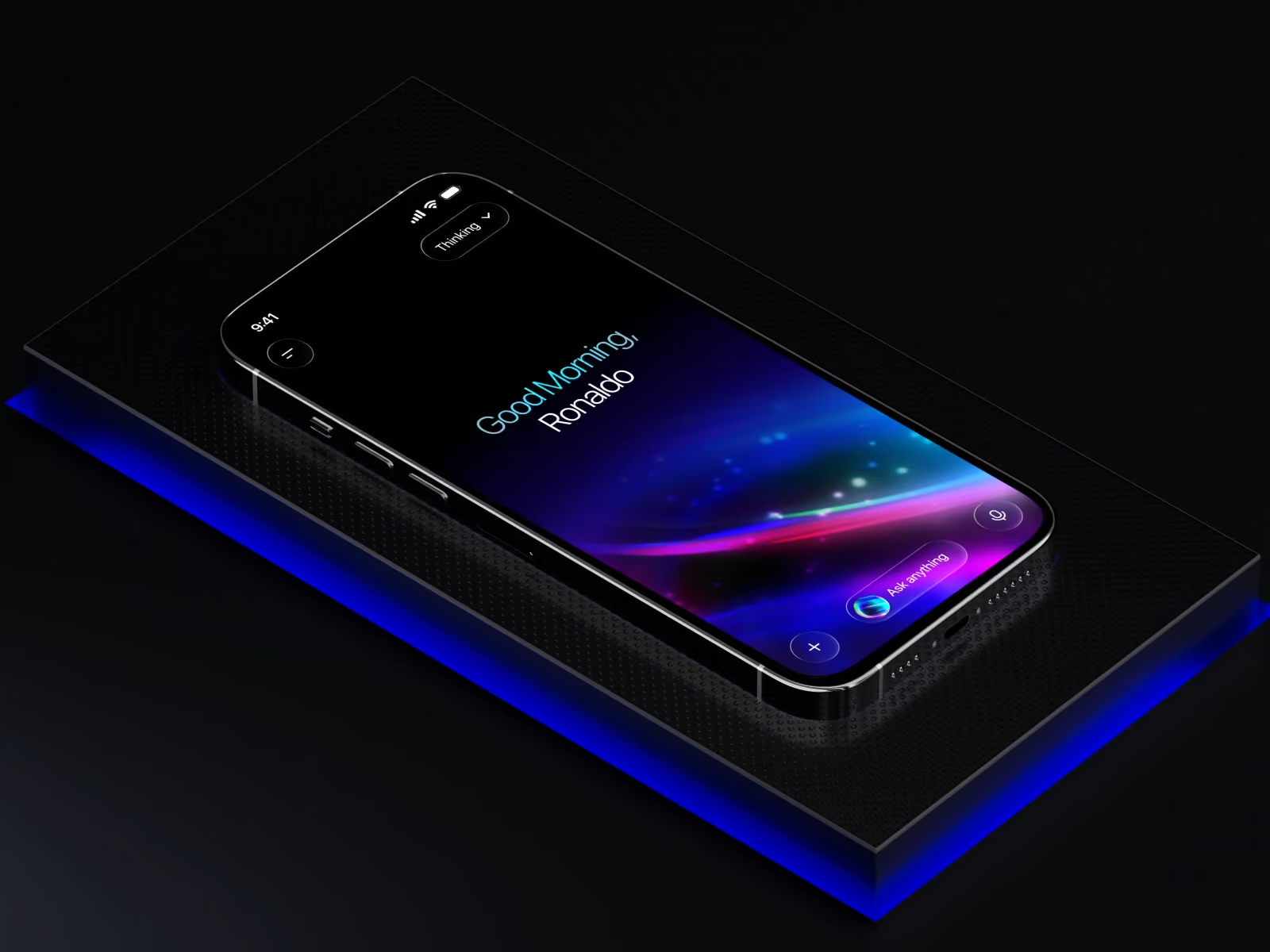
Your next user might not be human - here’s what that means for your product.
The Rise of Agentic UX: Designing Experiences for AI Browsers and Agents
Your users are getting lazy. In the best possible way.
Instead of navigating your product themselves, they’re handing the job to AI agents - tools like Opera Neon, Perplexity Comet, and Dia that browse the web, fill forms, compare options, and complete tasks entirely on their own. No clicks. No scrolling. Just intent, delegated to a machine.
This is agentic UX: designing for a world where AI agents - not just humans - interact with your product. And most interfaces aren’t ready for it.
At Orizon, we’ve been watching this shift closely. Here’s what you need to know.
🤖 Your interface has a new kind of user. Let’s design your product to work beautifully for both →
The browsers making this real
This isn’t hypothetical. Opera launched its fully agentic browser Neon in 2025 - it can browse for you, complete tasks, and even build websites from a single prompt. Perplexity Comet can research, compare, and transact across sites without the user lifting a finger. Dia, from the team behind Arc, bakes AI into every single interaction - the cursor, the address bar, everything.
The browser is no longer a display engine. It’s becoming an autonomous actor. At Orizon, we’ve been auditing client products against exactly this shift - identifying where AI agents hit walls, and redesigning those flows before it becomes a problem.
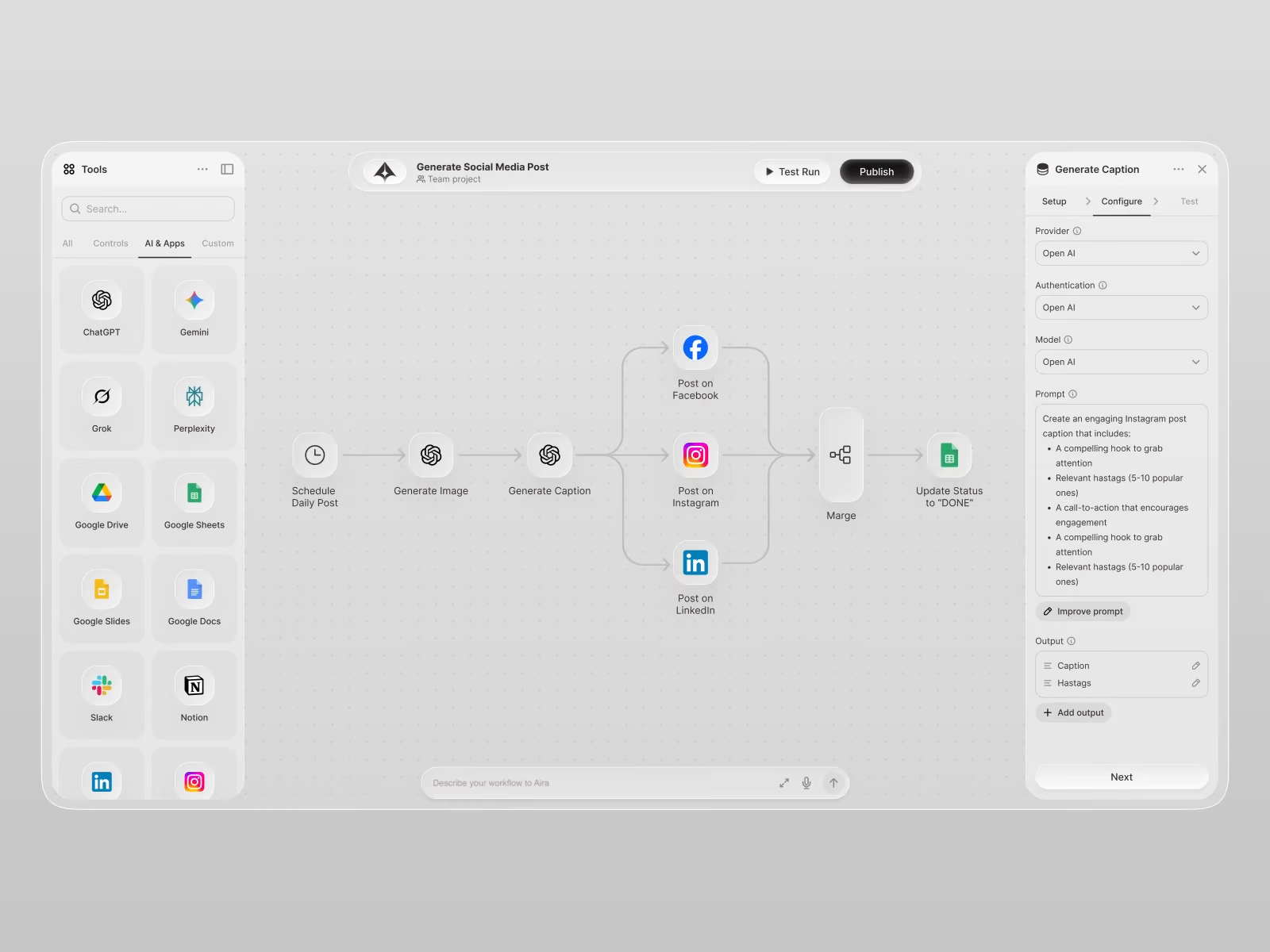
What “agentic UX” actually means
Traditional UX: human clicks, system responds. Simple.
Agentic UX: user says “find the best plan and sign me up” - and an AI agent navigates your product, interprets your UI, and completes the task without any human input.
If your interface can’t be read and operated by a machine, your product is invisible to that agent. And increasingly, that means invisible to the user who sent it.
What agents need vs. what humans need
Here’s the tension: agents don’t care about your beautiful animations. They parse structure - HTML tags, button labels, heading hierarchy, form attributes. But humans still need the beauty, the clarity, the emotional design.
You’re designing for two audiences now.
Human need: visual hierarchy, brand personality, intuitive flows, micro-interactions.
Agent need: semantic HTML, clear ARIA labels, plain-language CTAs, DOM-visible confirmation states.
The good news? Designing for agents makes your product better for humans too. Cleaner copy, sharper labels, more logical flows - that’s just good design. It’s something our team at Orizon has been preaching for years, and now there’s a whole new reason it matters.
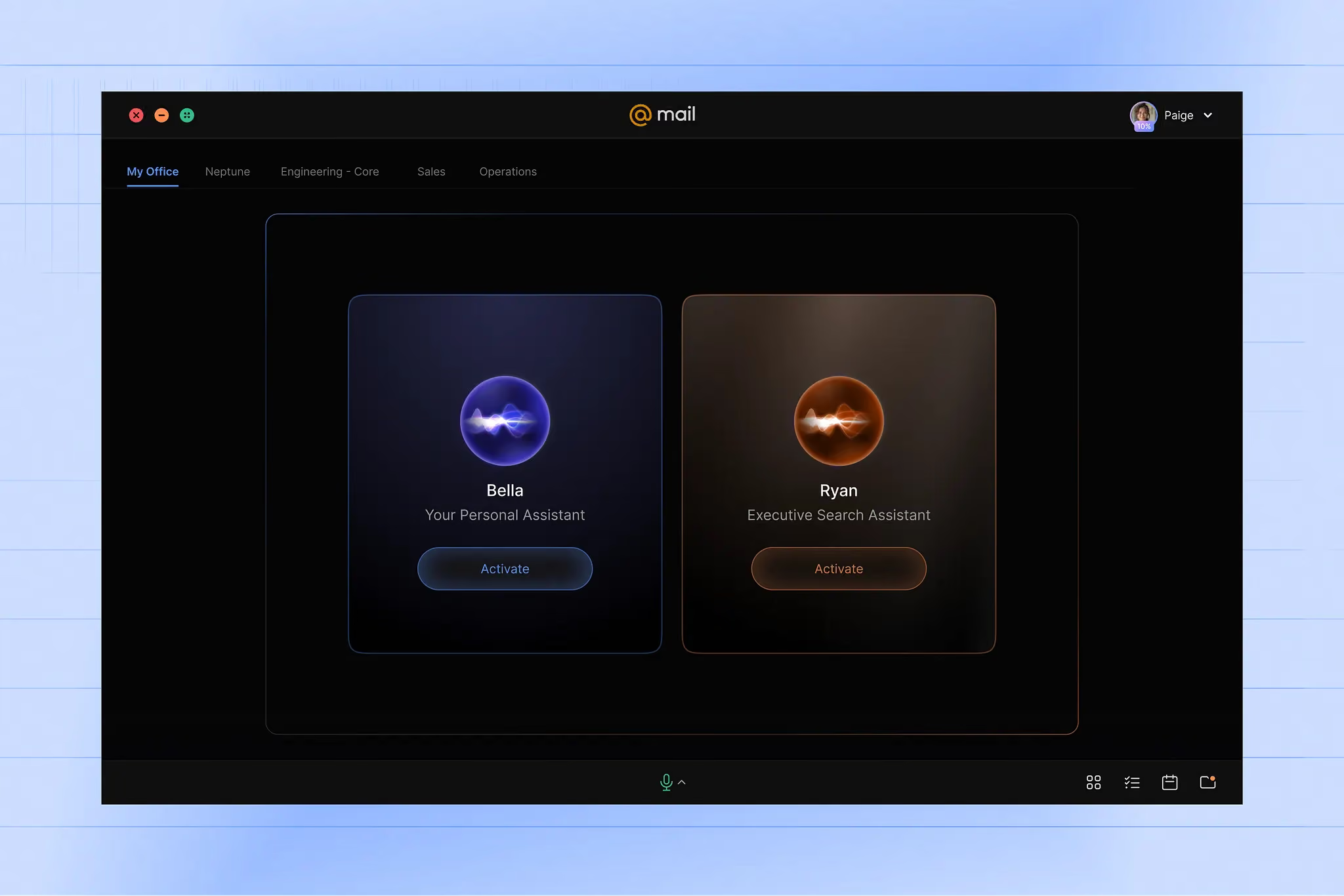
4 quick wins to make your interface agent-ready
1. Use semantic HTML properly.<nav>, <main>, <article> - not just for accessibility. Agents use these to understand what your page actually is. Label everything.
2. Write unambiguous CTAs.“Start Free Trial” beats “Go.” “Add to Cart” beats a cart icon. If a human might hesitate, an agent will fail.
3. Make success states DOM-visible.Animated overlays that appear on top of the UI are invisible to machine parsers. Confirmation messages need to exist in the actual document - not just float prettily over it.
4. Keep core flows free of heavy JS dependency.Agents struggle with content that only exists inside JavaScript. Render key content statically wherever possible, and make task flows logical and linear.
The bigger picture
This is more than a technical checklist. It’s a mindset shift.
Designers are no longer just shaping screens. They’re shaping systems that need to be understood by both a person and a machine - simultaneously. The question is no longer “Is this usable?” It’s “Does this work even when no one is watching?”
At Orizon, our UX design for AI companies team is already helping product teams think through exactly this. We’ve covered the human side of the equation before - designing human-first AI experiences - and now the frontier is designing for the agents those humans trust to act for them.
The products built for both audiences will win. Let’s make sure yours is one of them.
Ready to make your product fluent in both human and machine? Contact us today 🚀
FAQs
What is agentic UX?
Agentic UX is the practice of designing digital products so that AI agents, not just humans, can navigate and complete tasks on them. Instead of a user clicking through your interface, an AI agent like Opera Neon, Perplexity Comet, or Dia interprets the page and acts on the user's behalf. It requires interfaces that are readable by both humans and machines.
What is an AI browser or agentic browser?
An AI browser is a web browser that can autonomously complete tasks for the user, such as researching, comparing, filling forms, and transacting across websites. Opera Neon, Perplexity Comet, and Dia are leading examples launched in 2025. Unlike traditional browsers, they don't just display pages, they act on them.
How is agentic UX different from traditional UX?
Traditional UX is designed for humans who click, scroll, and read. Agentic UX is designed for AI agents that parse structure, semantic HTML, and labels to complete tasks autonomously. The biggest shift is that you now have two audiences interacting with the same interface, each with different needs.
Will AI agents replace human users on websites?
No, but they will increasingly act on behalf of human users. The human still defines the intent, like "book me the cheapest flight," and the agent executes it. Products that can't be operated by agents risk becoming invisible to the users who delegate tasks to them.
How do I make my website AI agent friendly?
Start with four quick wins: use semantic HTML tags like nav, main, and article, write unambiguous CTAs in plain language, make success states visible in the DOM rather than only as overlays, and avoid burying core flows behind heavy JavaScript. These changes also improve accessibility and SEO for human users.
Why do AI agents struggle with JavaScript-heavy websites?
AI agents parse the actual DOM to understand what's on a page and what actions are possible. When key content or confirmation states exist only inside JavaScript-rendered overlays, agents can't reliably see them. Static rendering of critical content makes your product readable by both humans and machines.
Does designing for AI agents hurt the human experience?
No, it usually improves it. Cleaner copy, sharper button labels, semantic structure, and logical flows are good design principles regardless of who's using the product. Designing for agents tends to surface and fix UX problems humans were quietly struggling with too.
What industries are most affected by agentic UX?
E-commerce, travel, SaaS, fintech, and any product that involves comparison, booking, or transactions will feel it first. These are exactly the flows users are most eager to delegate to AI agents. Any product with multi-step tasks should start auditing for agent readiness now.
What's the biggest mistake teams make when preparing for agentic UX?
Treating it as a developer-only concern. Agentic UX is a design problem, not just a code problem. The button labels, the page hierarchy, the clarity of each step, all of these are design decisions that determine whether an agent can complete a task or fails halfway through.
How do I get my product ready for agentic browsing?
Audit your core user flows by trying to complete them with an AI agent like Perplexity Comet or Opera Neon. Wherever the agent hesitates or fails, that's where your interface needs work. For a structured audit and redesign, the team at Orizon helps product teams prepare for both human and agent users: www.orizon.co/contact
Header image: Photo by AmazingUI / Dribbble – “AI Assistant - Immersive Welcome Experience by AmazingUI” (Shot #27443744).

Keep Reading
More from Orizon

Let's talk
Design done right and fast by people you can trust.


%20(1).avif)




.svg)


.svg)