.avif)
.png)
No more “No data yet.”
The End of the Empty State: Why AI Is Killing the Blank Screen
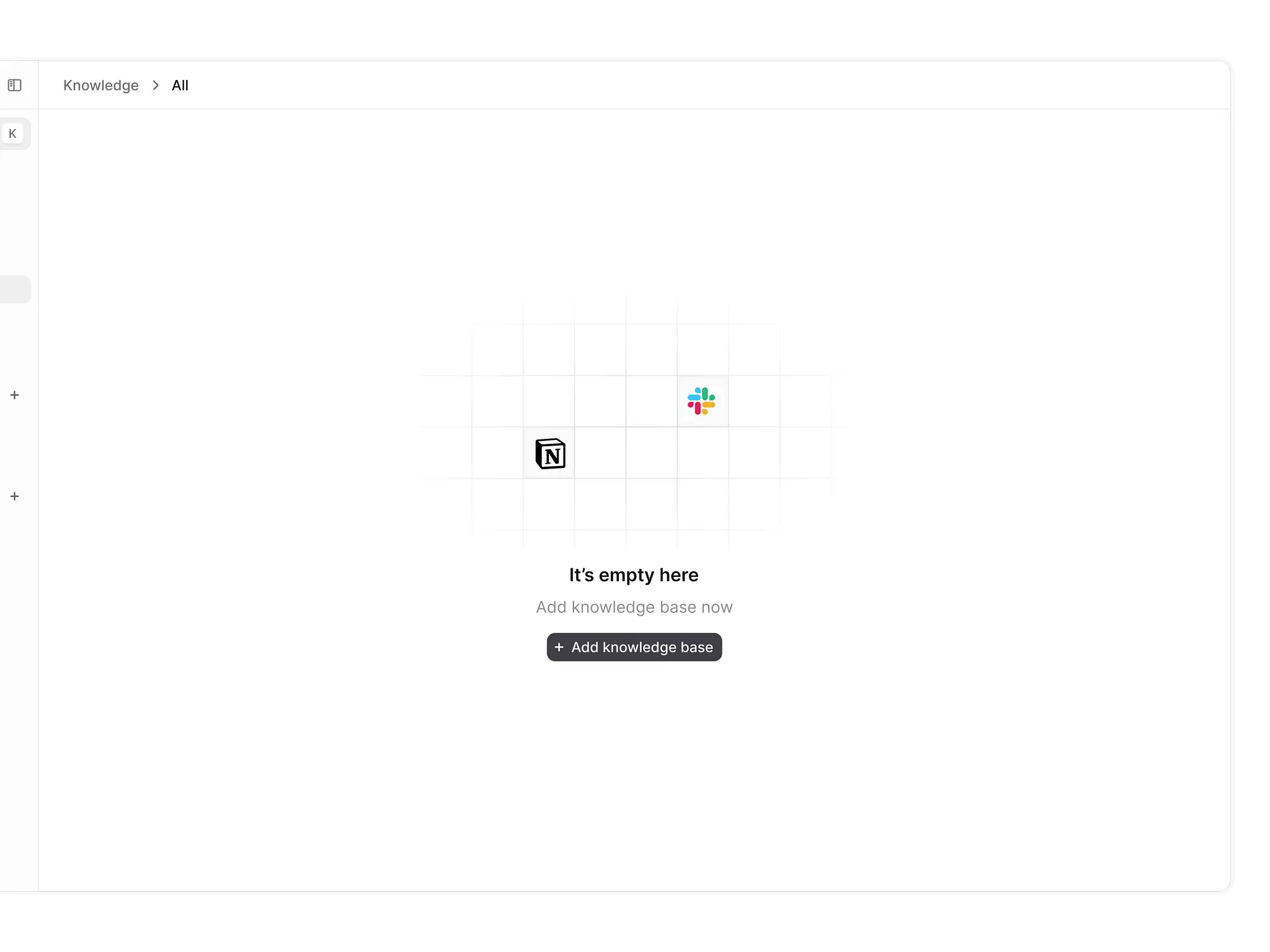
Open any SaaS product from 2024. Sign up. What do you see?
A blank dashboard. A “No data yet” message. Maybe a sad illustration of someone staring into an empty box. The universal symbol for “we didn’t think about what happens before you use the product.”
Now open Figma, v0, or Canva in 2026. Sign up. What do you see?
A workspace that already feels alive. A canvas with a starting frame. A design that’s already drafted. An AI that’s done the first ten minutes of work for you before you’ve touched a single tool.
The empty state is dead. AI killed it.
👋 Want your product to feel useful the moment users sign up? Let’s fix your empty states →
Empty States Were Never a Feature
They were a failure mode.
For years, we treated the zero state as an edge case. Something to handle gracefully, not something to design intentionally. The result was universal neglect: blank dashboards that told users nothing, generic illustrations that added noise without value, “Get started” buttons that led to more blank screens, onboarding checklists that felt like homework.
Everyone knew blank first sessions hurt activation. Users who hit nothing in their first session churn faster than users who see something useful. But the alternative, manually creating sample content for every user, was impossible at scale.
Then AI changed the math.
How AI Killed the Blank Screen
The shift came in three overlapping moves.
First, generative placeholders. Figma’s First Draft lets you describe what you’re designing (“a pricing page,” “a checkout for a BBQ store”) and generates an editable wireframe from a design system library. No blank canvas.
Then prompt-to-product. Tools like v0 and Lovable take it further. Describe what you want, get a working UI. The first thing you see is a product, not a project to build.
Then conversational onboarding. Canva asks what you’re making before showing you anything. The answer routes you to a starting template, not a blank page labeled “Design 1.”
The deeper shift is philosophical. Products are no longer empty until you fill them. They’re pre-populated until you customize them. That inverts the activation funnel: value first, customization second.
Who’s Doing This Well
Figma. First Draft is now folded into Figma’s broader design agent, which can generate full onboarding flows, screens, and components directly on your canvas from a single prompt.
v0. Describe a UI in plain English, get working React back. No empty project to populate. You start from a product and iterate.
Canva. Signup asks what you’re making before anything else and drops you into a matching template, not a blank page.
Amplitude. Analytics used to have the worst empty states. Amplitude’s demo workspace lets you explore funnels, retention curves, and dashboards with realistic sample data before you connect anything of your own.
Where It Can Go Wrong
The power to pre-fill a product comes with ways to misuse it.
Don’t fake user data. There’s a difference between sample content and fake user activity. Placeholder data should be clearly labeled, never disguised as real engagement. We’ve seen tools generate “recent activity” from imaginary teammates. That’s not clever onboarding, it’s a lie.
Don’t overwhelm. Three sample projects help. Thirty don’t. The goal is to replace the blank screen, not drown the user in things to clean up.
Don’t lock users in. Generated content should be a starting point, not a prison. Make it easy to delete or edit. The user should feel empowered by the AI’s choices, not boxed in by them.
Don’t assume context. AI guesses, and it can be wrong. Always give a fast way to change the assumption. “I’m not a PM, I’m a founder” should be one click.
At Orizon, we’ve been designing AI-first products that treat the first session as the first value moment, not the first homework assignment.
How to Rebuild Your Empty States
Start by auditing where users hit blank screens. The usual suspects: first dashboard view, empty project lists, blank search results, new document states, zero-notification inboxes.
For each one, ask a different question than you used to. Not “what should the user do?” Ask “what can the product do for the user, right now, with what we already know about them?”
Then generate contextual content using signup data. Keep it realistic, keep it editable, keep it minimal (three to five items, not thirty), and label it clearly as samples. Design the transition so that when the user replaces generated content with real content, it feels like evolution, not a reset.
Measure the right thing. Not “did they click the sample content?” Instead: time to first real action, week-one retention, feature adoption. Clicks on samples don’t matter if they don’t lead anywhere.
The Future Is Anticipation
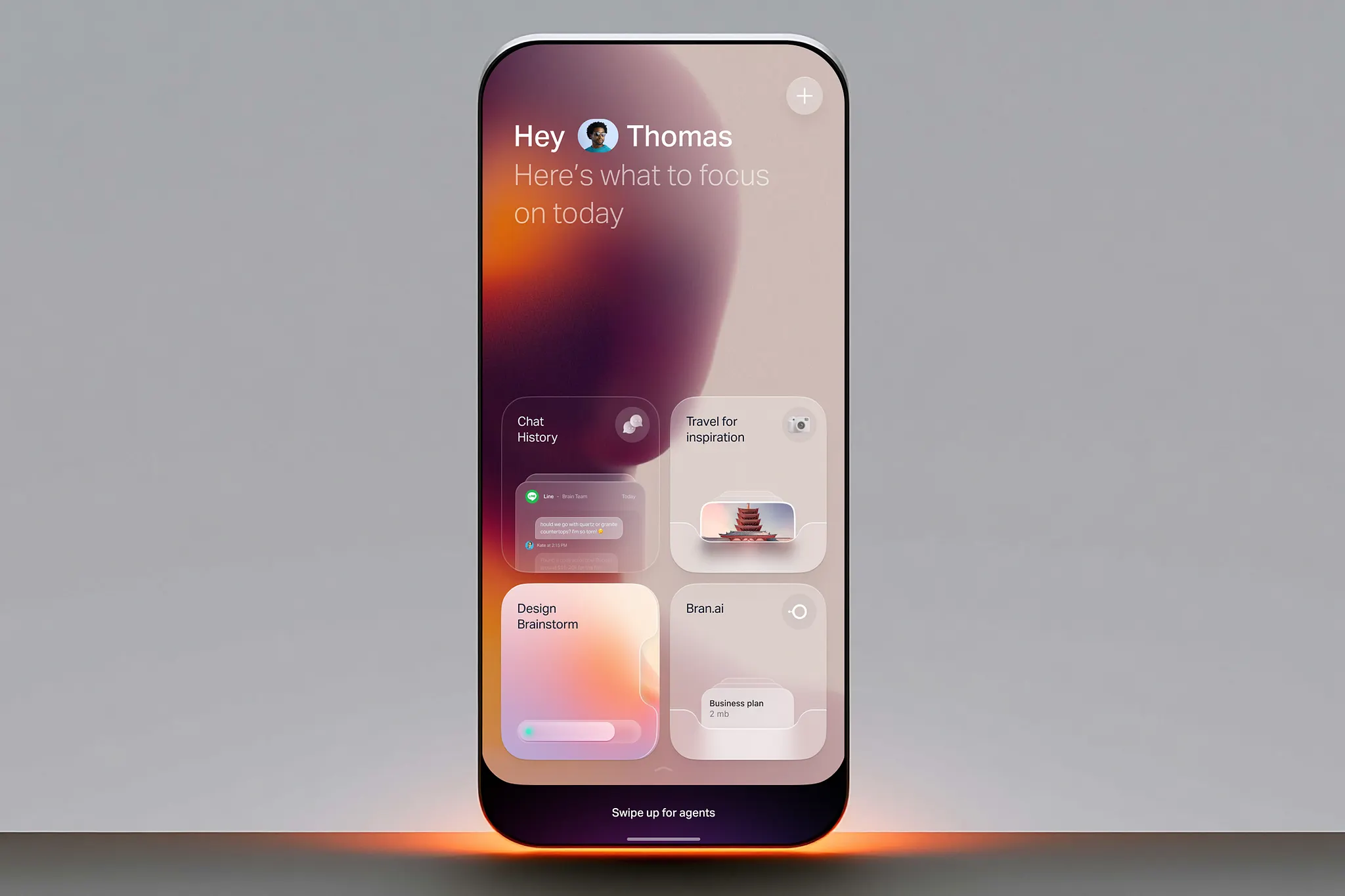
The end of the empty state is just the beginning. The next wave is products that don’t just fill blank screens. They anticipate needs before users express them. A CRM that drafts your first email sequence based on your industry. A design tool that generates your brand kit from your website URL. A project management tool that creates your sprint plan from your product roadmap.
The blank screen was a symptom of a deeper problem: products that waited for users to do all the work. AI flips that. Now products do the work first, and users refine.
The empty state is dead. Good riddance.
Key Takeaways
- Empty states were never a feature, they were a failure mode. Blank first sessions hurt activation.
- AI generates personalized starting content (generative placeholders, prompt-to-product, conversational onboarding) that replaces blank screens.
- Figma, v0, Canva, and Amplitude lead the shift with generated frames, working UIs, templated starting points, and sample datasets.
- The “pre-filled” philosophy inverts the activation funnel: value first, customization second.
- Ethics matter. Don’t fake user data, don’t overwhelm, don’t lock users in, don’t assume context.
- Measure time to first real action and retention, not clicks on sample content.
- The next wave is anticipation: products that draft, generate, and build before users ask.
Designing an AI product that activates fast?
Book a call with Orizon 🚀
FAQ
What is an empty state in UX design?
An empty state is what users see when a product has no content to display: a blank dashboard, an empty project list, or a “no data yet” message. Traditionally treated as an edge case. AI is making the pattern obsolete by generating personalized starting content.
Why are empty states bad for activation?
Empty states force users to do all the work before seeing any value. The blank screen is a barrier, not a bridge, and products that show something useful immediately keep more users around than products that start blank.
How does AI eliminate empty states?
AI generates realistic starting content based on signup context or a short prompt. Instead of “nothing here yet,” users see a working frame, a working UI, or a template they can edit. The product is useful from the first second.
What’s the difference between sample content and fake data?
Sample content is clearly labeled placeholder material that helps users understand the product. Fake data is deceptive content designed to look like real user activity. Ethical AI empty states use sample content and never fake data.
Which products use AI-generated empty states well?
Figma’s First Draft generates editable wireframes from a prompt. v0 and Lovable turn a text description into a working UI. Canva routes you to a starting template before you see a blank page. Amplitude lets you explore a demo workspace with realistic sample data before connecting your own.
How much sample content should I generate?
Less is more. Three to five sample items help. Thirty overwhelm. The goal is to show what’s possible, not to do the work for the user. Always make it easy to delete, edit, or ignore generated content.
What metrics should I track for AI empty states?
Track activation, not clicks. Time to first real action (not first click), week-one retention, and feature adoption. Clicks on samples don’t matter if they don’t lead anywhere.
Can AI empty states be annoying?
Yes, if done poorly. Common mistakes: generating too much content, making it hard to delete, assuming the wrong context, or disguising samples as real data. Good AI empty states are minimal, editable, clearly labeled, and easy to change.
Do I need AI to fix my empty states?
No. You can manually create sample content, templates, and onboarding flows. But AI makes it scalable and personalized. Without AI, you’re limited to generic templates. With AI, you can generate contextually relevant content for every user.
What’s the future of empty states?
Products that anticipate needs: drafting emails, generating brand kits, creating sprint plans, and building dashboards before users ask. The blank screen was a symptom of products that waited for users. AI flips that. Products work first, users refine.
Header image: Photo by Imran Jakir / Dribbble – “AI Assistant UI Design — Voice Interaction Dashboard” (Shot #27204084).

Keep Reading
More from Orizon

Let's Talk
Design done right and fast by
people you can trust.


%20(1).avif)




.svg)


.svg)