.avif)
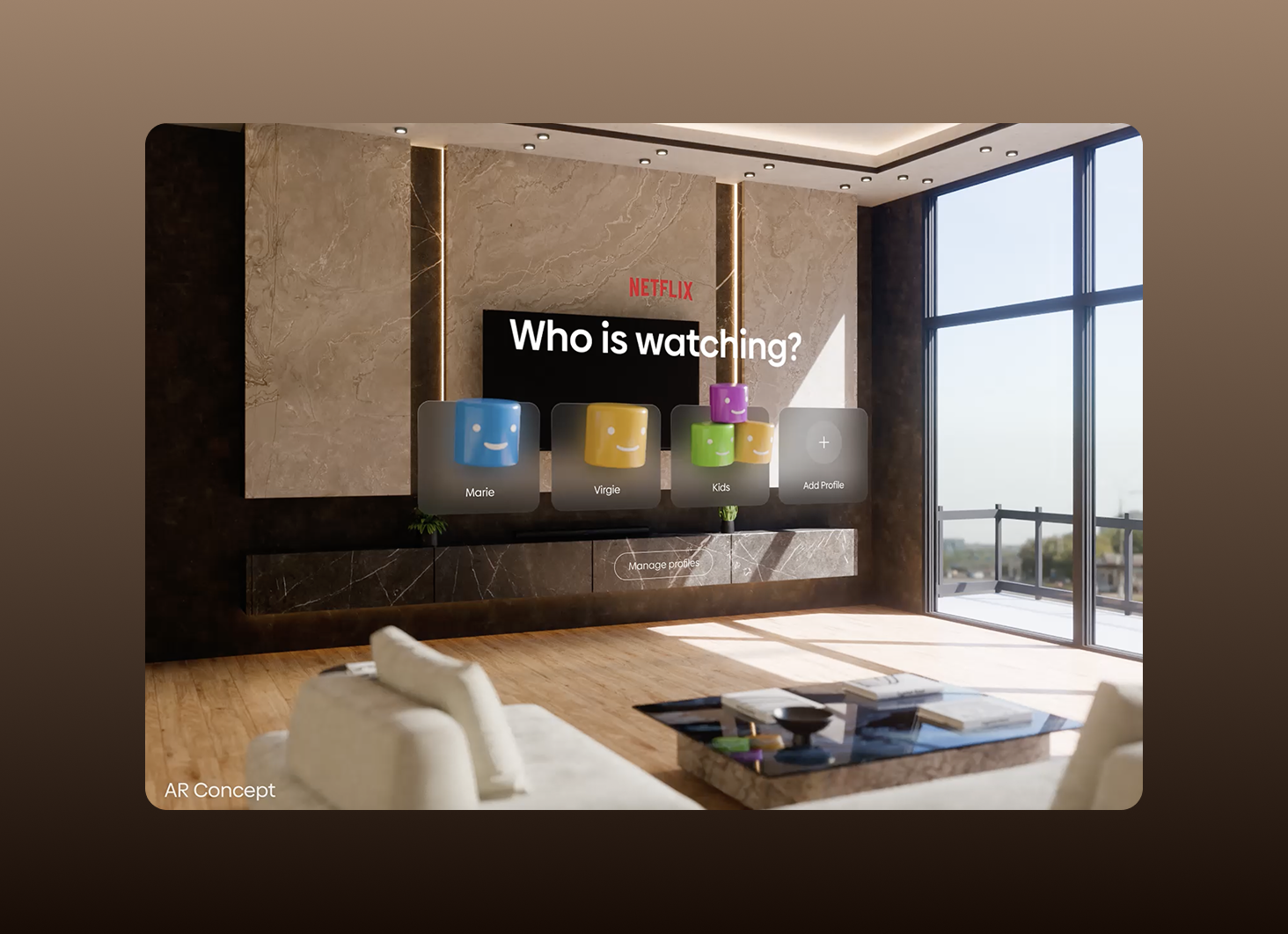
Context-first wins. The input mode is the last decision, not the first.
Multimodal Design Is a Trap If You Start With Input Modes
Every product team we've talked to this year has the same question: "Should we add voice? Gestures? A wristband?" It's the wrong question.
The teams building the best interfaces in 2026 aren't sitting in workshops deciding whether to bolt voice onto their app. They're asking a completely different question: what is the user actually doing when they open this thing? What are their hands, eyes, and attention already committed to? The input mode isn't the design decision. It's the byproduct.
We've been designing multimodal products for a while now, from wearables with Creek to AI agents with Boardy, and the pattern is clear. Voice-first is a trap. Touch-first is a trap. Context-first wins.
👉 Building something that spans voice, touch, or spatial? Let's talk →
The Market Is Multimodal Whether You Are or Not
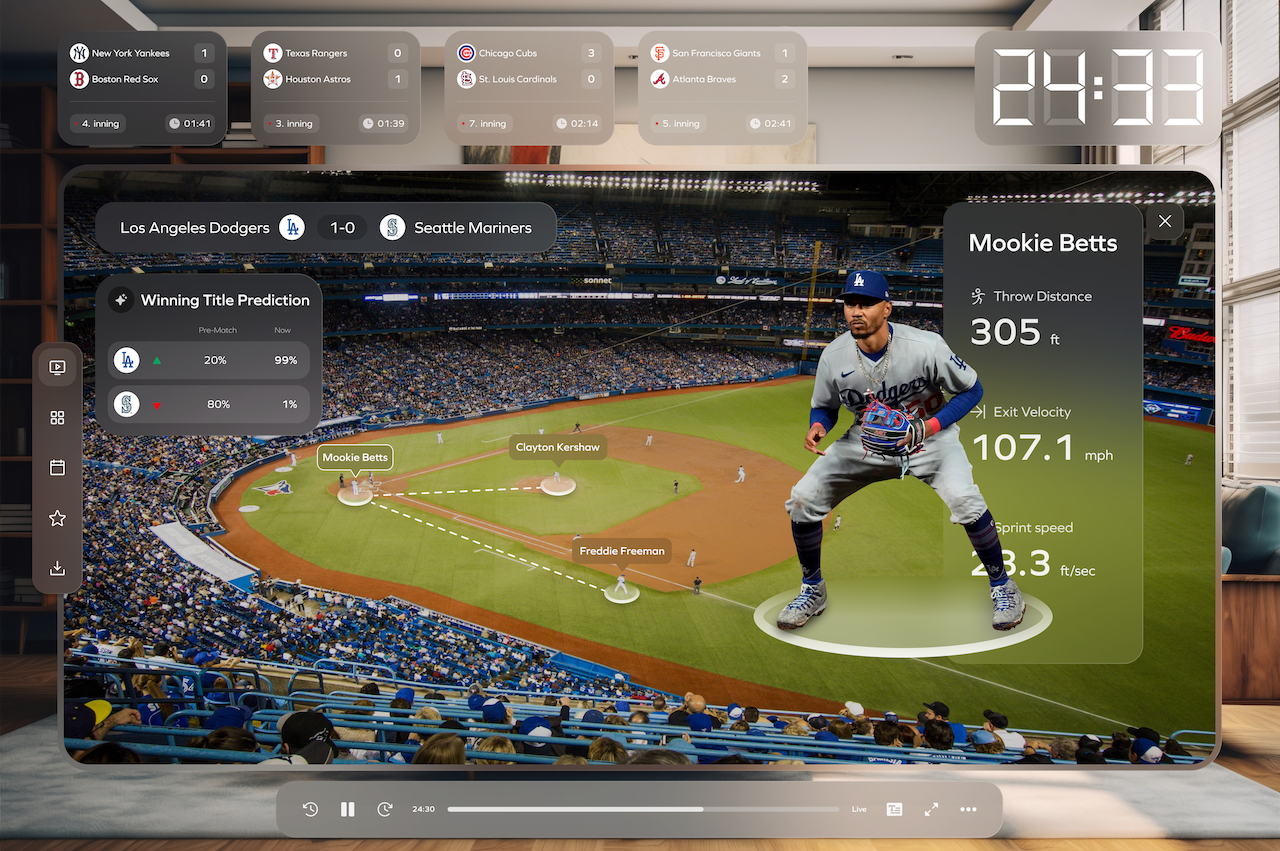
Around 60% of enterprise applications shipping in 2026 are built on models that combine two or more data modalities: text, images, audio, video. About 80% of software vendors now embed multimodal AI in their products, up from less than 1% in 2023. That's the substrate. The interface layer is catching up fast.
Meta shipped the Ray-Ban Display glasses with the Neural Band, a wristband that reads muscle signals so you can scroll and click with a finger twitch. Apple Vision Pro navigates on eyes, hands, and voice at the same time, with eyes as the pointer and a pinch as the click. Nuance DAX Copilot is embedded in Epic across more than 150 health systems, with clinicians reporting 50% less time on documentation and 70% less burnout. Voice, gesture, gaze, touch. All shipping. All working. All adopted.
But the shipping list is not the design lesson. The design lesson is what these products decided not to do.
Context First, Input Last
Meta didn't pick the Neural Band because EMG was cool. They picked it because they'd already committed to glasses that "get out of your way." Once you commit to that, a touchscreen on your frames is dead on arrival. So is a voice command in a quiet coffee shop. The wristband isn't the innovation. The context decision is.
Apple didn't pick eye tracking because it was novel. They committed to spatial computing where your hands are also holding things, and where a controller ruins the "just put it on" feeling. Eyes-as-pointer isn't a feature. It's the only input mode that survives the context they chose.
Here's the test we run internally on every multimodal brief. Before we talk about input modes at all, we answer three questions:
- What are the user's hands doing right before they touch this product?
- What are their eyes committed to?
- Who else is in the room?
If hands are on a steering wheel, voice wins. If eyes are on a patient, ambient listening wins. If the user is alone and precise input matters, keyboard still wins. The input mode falls out of the answer. It's not a debate.
Where Multimodal Design Goes Wrong
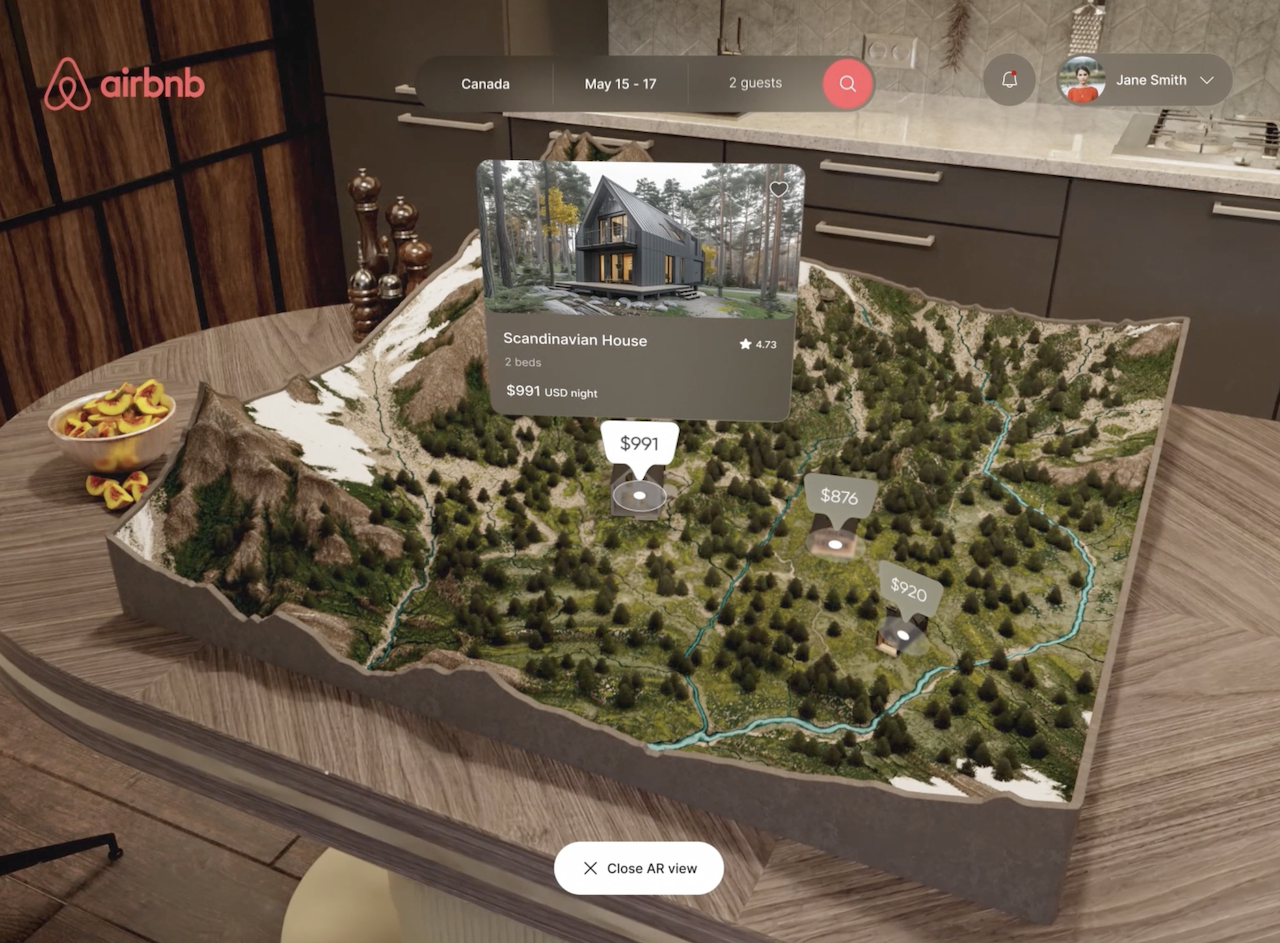
The most common mistake we see is treating multimodal like a feature checklist. Team ships voice commands, then touch controls, then AR gestures, and each one lives in its own settings panel with its own mental model. Users pick one and ignore the rest. The product ends up with three half-built interfaces instead of one good one.
Tesla is a case study in what happens when you commit to a context decision that doesn't hold. They removed the turn signal stalk from the Model 3 in 2023 and moved it to touch buttons on the steering wheel. The stated logic was minimalism. The actual context, driving, is one where your muscle memory expects a stalk exactly where a stalk has been for 60 years. After nearly two years of complaints and regulatory pressure in Europe, Tesla started reintroducing the stalk in China in 2025, then rolled out a retrofit program globally. The lesson: minimalism is not a context. Driving is.
The second mistake is designing input modes that don't share state. If your user starts a task with voice and can't finish it with touch, you've built two products. Claude's voice mode gets this right, you can start a conversation by speaking, switch to typing mid-thread, and the context carries. That continuity is the actual multimodal design work. Everything else is plumbing.
Fallbacks Aren't Optional, They're the Product
Every input mode fails sometimes. Voice recognition misfires in noisy rooms. Gestures get misread in low light. Touch targets get missed on the move. If your product only works when the input mode works, it doesn't really work.
Good multimodal design assumes failure and designs the recovery. When Google Assistant misunderstands, it offers "Did you mean X or Y?" instead of a dead end. When Vision Pro can't track your eyes, it lets you switch pointer control to your wrist, hand, or head in Accessibility settings. When the Neural Band drops a gesture, the glasses still work with head movement.
Fallbacks are also where accessibility stops being a compliance checkbox and starts being real product work. Meta is already testing the Neural Band with the University of Utah for people with ALS and muscular dystrophy. The same EMG signal that lets a healthy user scroll a message can let someone who can't move their hands control a thermostat. This isn't a separate accessible mode. It's the mode.
What This Means for the Products We're Designing Right Now
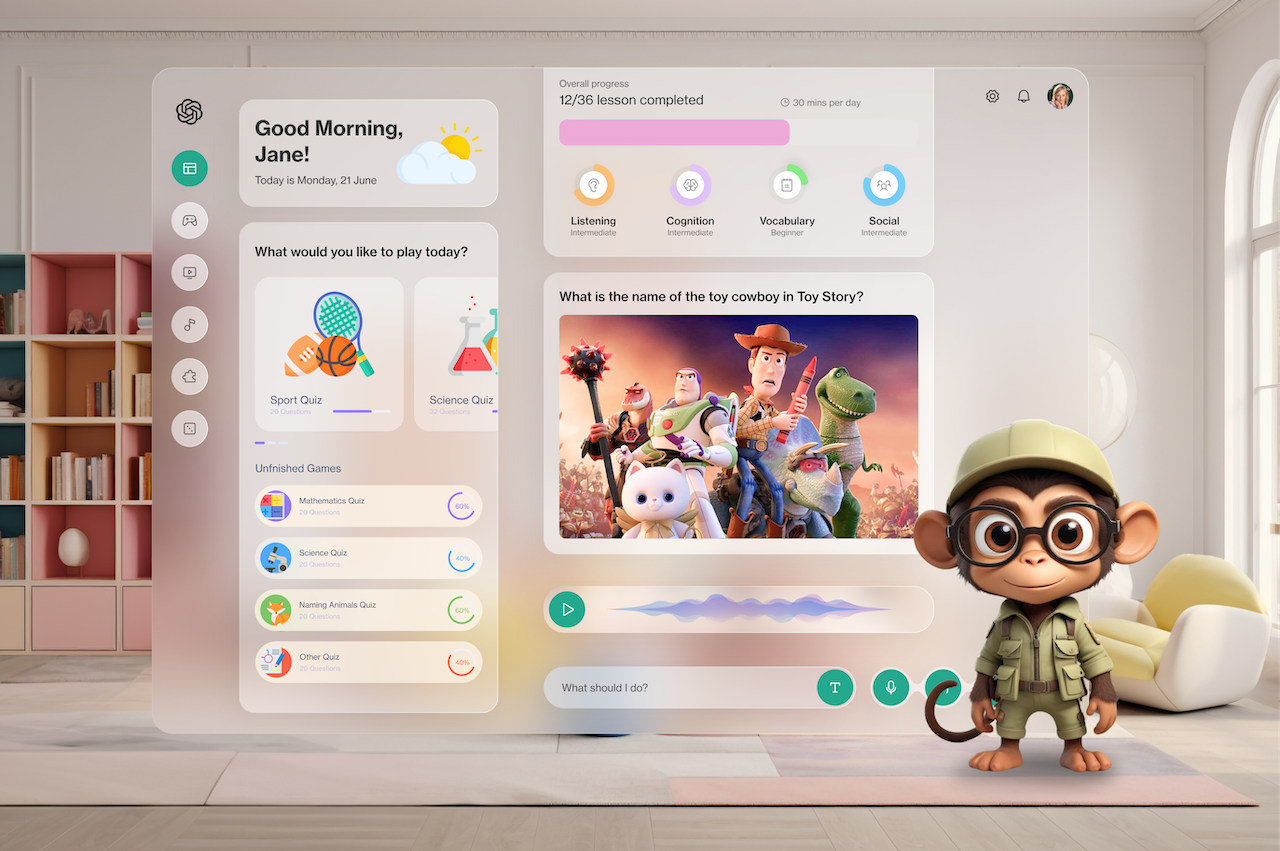
Roughly half the AI products we're designing at Orizon right now involve more than one input mode. Voice plus screen. Touch plus agent. Ambient listening plus a UI to correct what got captured. In every one, the same rule holds: we spend more time on the context map than on the interface itself. Once the context is clear, the interface is almost obvious.
If you're a team about to add voice, gestures, or an ambient mode to your product, the question isn't "how do we design for multiple inputs?" It's "what context are we designing for, and does our current input mode serve that context?"
Most of the time, when we ask that question, the answer is: not really. That's the interesting problem. That's where the redesign starts.
Key Takeaways
- Start with context, not input modes. Voice, touch, gesture, and gaze are answers, not questions.
- Multimodal AI is already the substrate: 80% of software vendors ship it, 60% of enterprise apps combine two or more modalities.
- The best 2026 hardware (Vision Pro, Ray-Ban Display, DAX Copilot) is defined by the context it commits to, not the input modes it supports.
- Minimalism is not a context. Tesla's turn signal reversal is what happens when you optimize the interface against the situation it actually lives in.
- Input modes must share state. If a user can't start on voice and finish on touch, you've shipped two products.
- Fallbacks are the product, not a safety net. Every mode fails sometimes. Design the recovery.
- Accessibility falls out of good multimodal work. The same EMG signal that scrolls a message can control a thermostat for someone who can't move their hands.
Ready to design something that actually holds up across input modes?
Book a call with Orizon 🚀
FAQs
What is multimodal design in UX?
Multimodal design is the practice of building products that accept and respond to more than one type of input, like voice, touch, gesture, gaze, or ambient sound. The goal isn't to support every input mode. It's to match the input mode to the context the user is actually in.
Is voice the future of interfaces?
Voice is the future of some interfaces. It's the wrong choice for others. Voice wins when hands are busy, precision doesn't matter, and the environment supports speaking aloud. It loses in quiet offices, noisy rooms, and any task that requires exact input.
What's the difference between multimodal AI and multimodal design?
Multimodal AI is the model layer, systems that process text, image, audio, and video together. Multimodal design is the interface layer, how the user actually gives input and receives output. A product can have a multimodal model and a terrible single-mode interface, or the other way around.
How does Apple Vision Pro handle multiple input modes?
Vision Pro uses eyes as the pointer, a finger pinch as the click, and voice for text entry and shortcuts. Eye and hand data is processed on-device and never shared with apps, only the final selection is transmitted. Users can also switch pointer control to wrist, hand, or head in Accessibility.
What is Meta's Neural Band and how does it work?
The Neural Band is an EMG wristband that reads electrical signals from the muscles in your wrist. Subtle finger movements like a pinch or a twitch are interpreted as clicks, scrolls, or, in near-future updates, handwriting. It ships with the Meta Ray-Ban Display glasses and processes signals on-device.
Are multimodal interfaces more accessible by default?
They can be, but only if accessibility is designed in from the start. Providing multiple input paths for the same action is what makes an interface accessible. Bolting voice onto a touch-only app doesn't do this. Designing the app so any core action works across at least two modes does.
What's the biggest mistake teams make with multimodal design?
Treating input modes as separate features. Voice commands live in one panel, touch controls in another, gestures in a third, and none of them share state or context. The result is three half-products instead of one good one.
Do I need to redesign my product to be multimodal?
Not always. The question to ask is whether your current input mode fits the context your users are actually in. If it does, don't add modes for the sake of it. If it doesn't, adding a second mode without rethinking the context won't fix anything.
Can Orizon help design multimodal products?
Yes. Roughly half the AI and product work we're shipping right now spans more than one input mode, from wearables to voice-first agents to ambient AI interfaces. If you're building something that needs to work across voice, touch, or spatial input, get in touch.
Where should I start if I want to explore multimodal design for my product?
Start with the context, not the input mode. Map what your users are doing with their hands, eyes, and attention when they open your product. Once that's clear, the input modes that make sense will be obvious, and the ones that don't will drop off the list on their own.

Keep Reading
More from Orizon

Let's Talk
Design done right and fast by
people you can trust.


%20(1).avif)




.svg)


.svg)