.avif)
.avif)
Access is easy. Rules are the hard part.
Figma Specs and MCP: Why AI Agents Need Design Rules, Not Access
Earlier this month, at its first Config in India, Figma announced 20 new MCP partners. Amp, Linear, Notion, Mistral, ClickUp, OpenCode, Dia. That's the headline everyone shared.
The bigger news got less attention. Figma also launched Specs, a Markdown editor that lives right on the canvas, where teams write down their design rules for both people and AI agents to follow.
That's the real shift. AI agents have had access to Figma files for a while. What they've been missing is the rulebook. And most teams have never written theirs down.
🤖 Letting AI agents into your design system? Let's make sure they actually follow it →
AI agents have access, but no rules
Figma's MCP server already lets coding tools like Claude Code, Cursor, and Codex read design files and turn them into code. Agents can pull real components, tokens, and layouts straight from the canvas.
So why does so much AI-built UI still look off?
We see the same pattern in almost every AI-built prototype that lands on our desk. A team plugs an agent into its design system and asks for a dashboard. Every component is real. But the spacing is wrong, the contrast fails accessibility, and the hierarchy has nothing to do with how the product actually works.
The agent had the parts. It just didn't know the rules.
Why a component library isn't enough
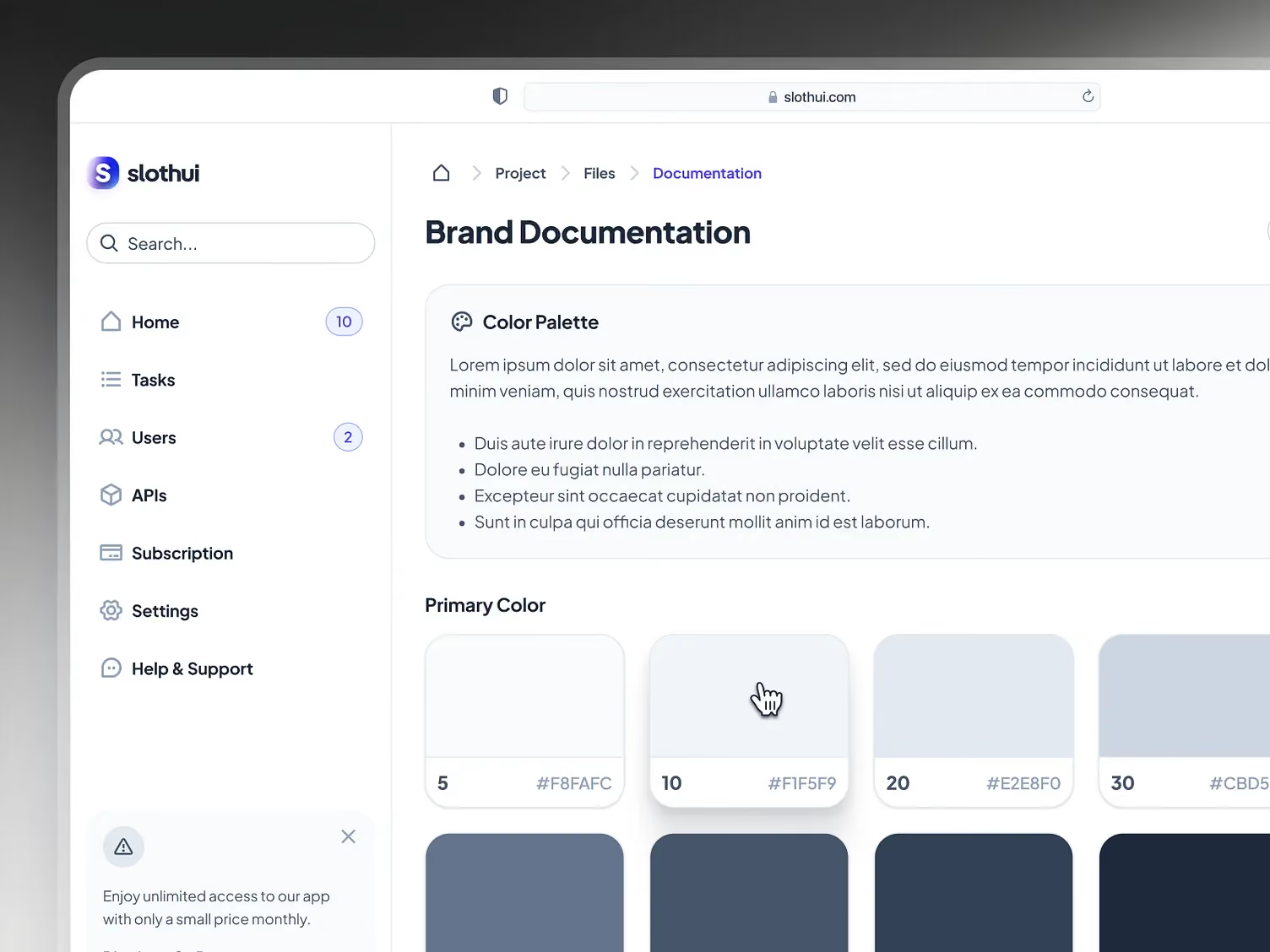
A component library tells an agent what exists. It doesn't tell it when to use a modal instead of an inline edit, which button gets to be primary on a screen, or how dense a data table should get before it stops being readable.
Those decisions usually live in a senior designer's head, a few Slack threads, and a Notion page nobody has opened since 2024. Humans pick them up over time. An agent can't pick up anything it can't read.
What Figma Specs actually does
Specs is a Markdown document that sits on the Figma canvas instead of in a separate wiki. Teams use it to write down design system rules, implementation notes, and project guidance, then embed the frames, FigJam diagrams, and code layers those rules refer to.
The part that matters for AI: agents can read a Spec and reply to comments inside it. Paste a Spec link into a coding agent and it brings the Markdown, the frame references, the code layers, and the Code Connect snippets along with it.
Specs is in open beta now on Figma's Professional, Organization, and Enterprise plans.
A blueprint, not a toolbox
MCP access hands an agent the toolbox. Specs hands it the blueprint. One says "here are our buttons." The other says "here's when a button is primary, here's the minimum contrast, here's why this screen only gets one."
That second kind of instruction is what turns technically correct UI into UI that actually belongs in your product.
Markdown rules are becoming the standard
Figma isn't inventing this pattern. Developers already write rules for their coding agents in plain Markdown files, like CLAUDE.md or Cursor rules. Specs brings the same idea to design, right next to the work it describes.
Why governance matters more than access now
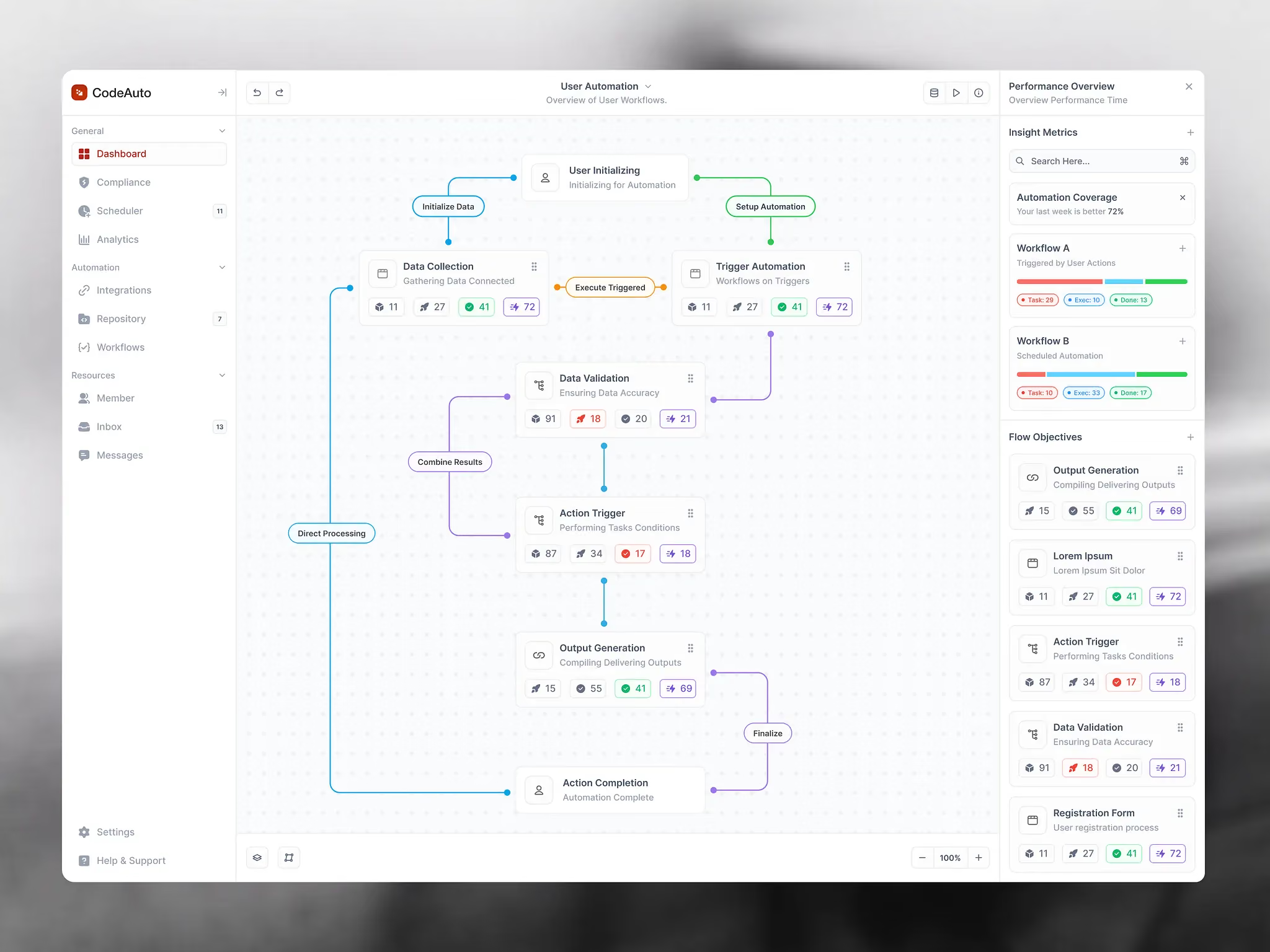
The novelty of "AI can generate UI" is gone. Everyone can generate UI now. What teams actually need is AI that generates the right UI: on-brand, accessible, and consistent with the system they already built.
Figma's own leadership is being honest about the trade-offs. At a media briefing during Config India, Dylan Field said MCP is "not a perfect protocol" and has plenty of room to improve. He also explained that the more data Figma exposes through MCP, the higher the risk of abuse. Figma is expanding support anyway, but on its own terms.
More output, same number of launches
Figma's chief design officer shared a number at Config that says a lot. Code output on the platform has grown 17x, while releases have grown just 1.3x.
Teams are generating far more than they ship. Some of that is healthy exploration. A lot of it is output that doesn't meet the bar, because nothing told the agent where the bar was.
Governed AI vs ungoverned AI
The real competition isn't between design tools anymore. It's between teams whose AI follows rules and teams whose AI doesn't. The first group ships faster with less cleanup. The second group spends its time fixing what the agent got almost right.
Your design system is becoming a contract
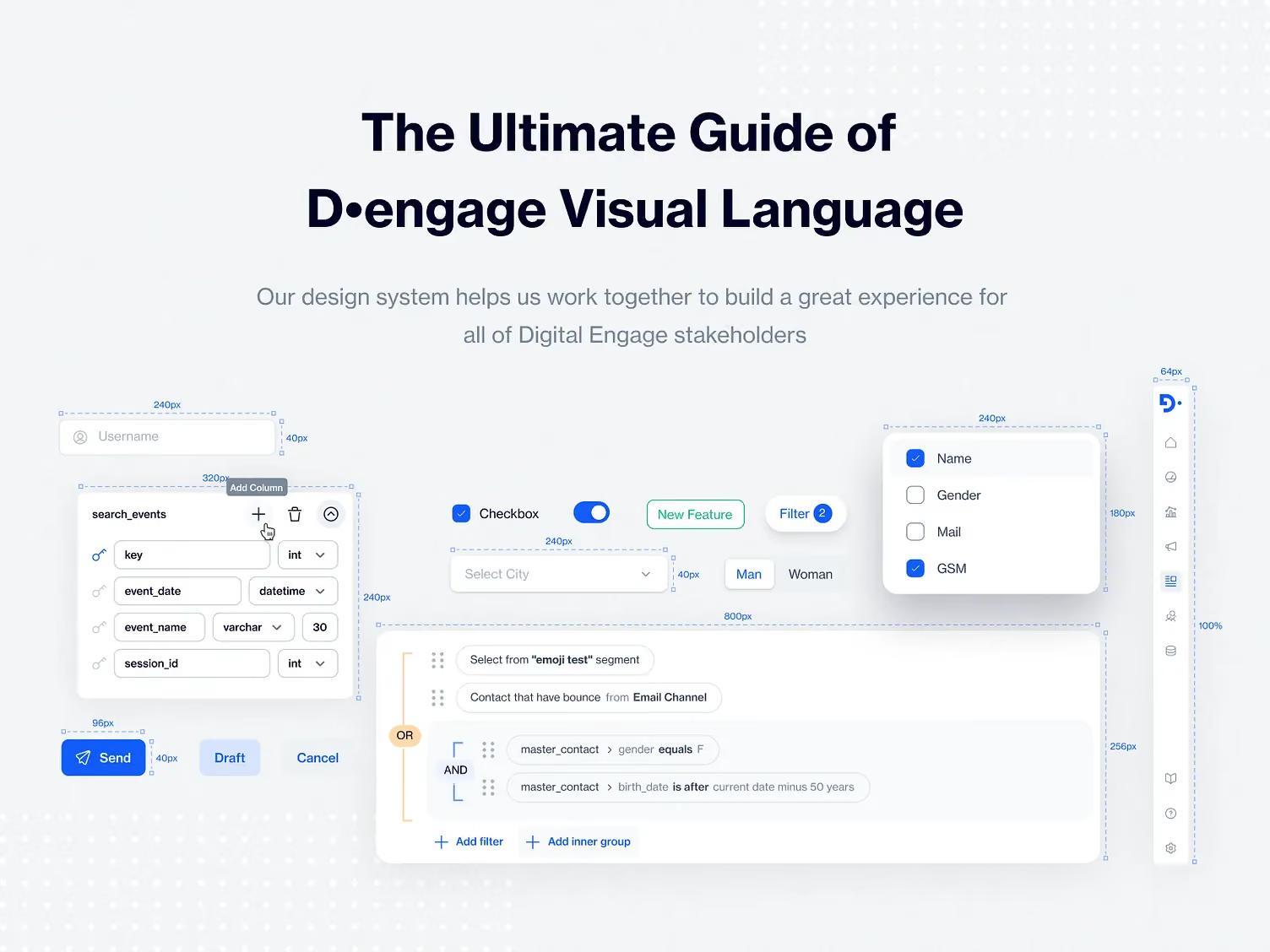
Design systems used to be PDFs and Sketch libraries. Then they became Figma libraries with usage notes. Now they're turning into machine-readable rulebooks that agents are expected to follow.
That changes what a design system is for. It's no longer just a shelf of components. It's an enforceable contract between your brand and everything that builds on it, human or not.
What to write down first
You don't need a 50-page Spec on day one. Start with the decisions agents get wrong most often:
- When each core component should be used, and when it shouldn't
- Hierarchy rules, like one primary action per screen
- How spacing and density change between marketing pages and product screens
- Accessibility minimums for contrast, type size, and touch targets
- How your microcopy sounds, so empty states and errors don't read like a robot wrote them
These are exactly the rules we write down when we turn an AI-built prototype into a product people trust. More on that in our Prototype to Premium service.
Ready for AI at scale, or ready for AI demos?
Here's the test. Could an agent read your design documentation and understand not just which components exist, but when and why to use them?
If the answer is no, you're not ready for AI at scale. You're ready for AI demos. And without rules, AI just lets you create design debt faster.
If your system needs that groundwork, it's the kind of UX design work we do every week.
Key takeaways
- Figma Specs puts design rules in Markdown on the canvas, where both people and AI agents can read them
- The 20 new MCP partners widen access, but the rulebook is the bigger story
- Agents with access and no rules produce UI that's technically correct and contextually wrong
- Code output on Figma is up 17x while releases are up 1.3x, so generating isn't the bottleneck anymore
- Design systems are shifting from component libraries to enforceable contracts
- Write down your hierarchy, spacing, accessibility, and usage rules before you scale AI design work
Ready to give your AI agents a design system worth following?
Book a call with Orizon 🚀
FAQS
What is Figma Specs?
Figma Specs is a Markdown editor that lives on the Figma canvas. Teams use it to document design rules, implementation notes, and project guidance, and to embed the frames, FigJam diagrams, and code layers those rules refer to. Both people and AI agents can reference it.
What is Figma's MCP server?
MCP (Model Context Protocol) is an open standard that lets AI agents connect to outside tools and data. Figma's MCP server lets coding agents like Claude Code, Cursor, and Codex read design context from Figma and turn it into code.
Who are Figma's new MCP partners?
At Config India, Figma announced 20 new MCP partners, including Amp, ClickUp, Dia, Junie by JetBrains, Linear, Meta Muse, Mistral, Notion, OpenCode, and Sarvam Agents.
Who can use Figma Specs?
Specs is in open beta on Figma's Professional, Organization, and Enterprise plans, across web, desktop, and mobile.
Why do AI agents need design rules?
Access to components isn't enough. An agent also needs to know when, why, and how to use each one, including spacing, hierarchy, and accessibility rules. Without that context, it produces UI that looks plausible but doesn't fit your product.
What's the difference between design system access and governance?
Access means an agent can use your components. Governance means it understands the rules for using them correctly. Governance is what makes AI output ready to ship instead of ready to fix.
What should go in a design spec for AI agents?
Start with component usage rules, hierarchy rules like one primary action per screen, spacing and density guidelines, accessibility minimums, and microcopy tone. Add more as you see where agents go wrong.
Should my team scale AI design tools now?
Only if your design rules are documented. Without them, AI creates design debt faster than your team can clean it up. Write the rules first, then scale the AI.
Can Orizon help us get our design system ready for AI agents?
Yes. Orizon helps teams document design rules, clean up design systems, and turn AI-built prototypes into products that feel designed, not generated. Book a call with Orizon to talk through your setup.
Header image: Photo by Damian Bednarz for Bejamas / Dribbble – “Design Tokens Management - Nodes Canvas” (Shot #20598004).

Keep Reading
More from Orizon

Let's Talk
Design done right and fast by
people you can trust.


%20(1).avif)




.svg)


.svg)