.avif)
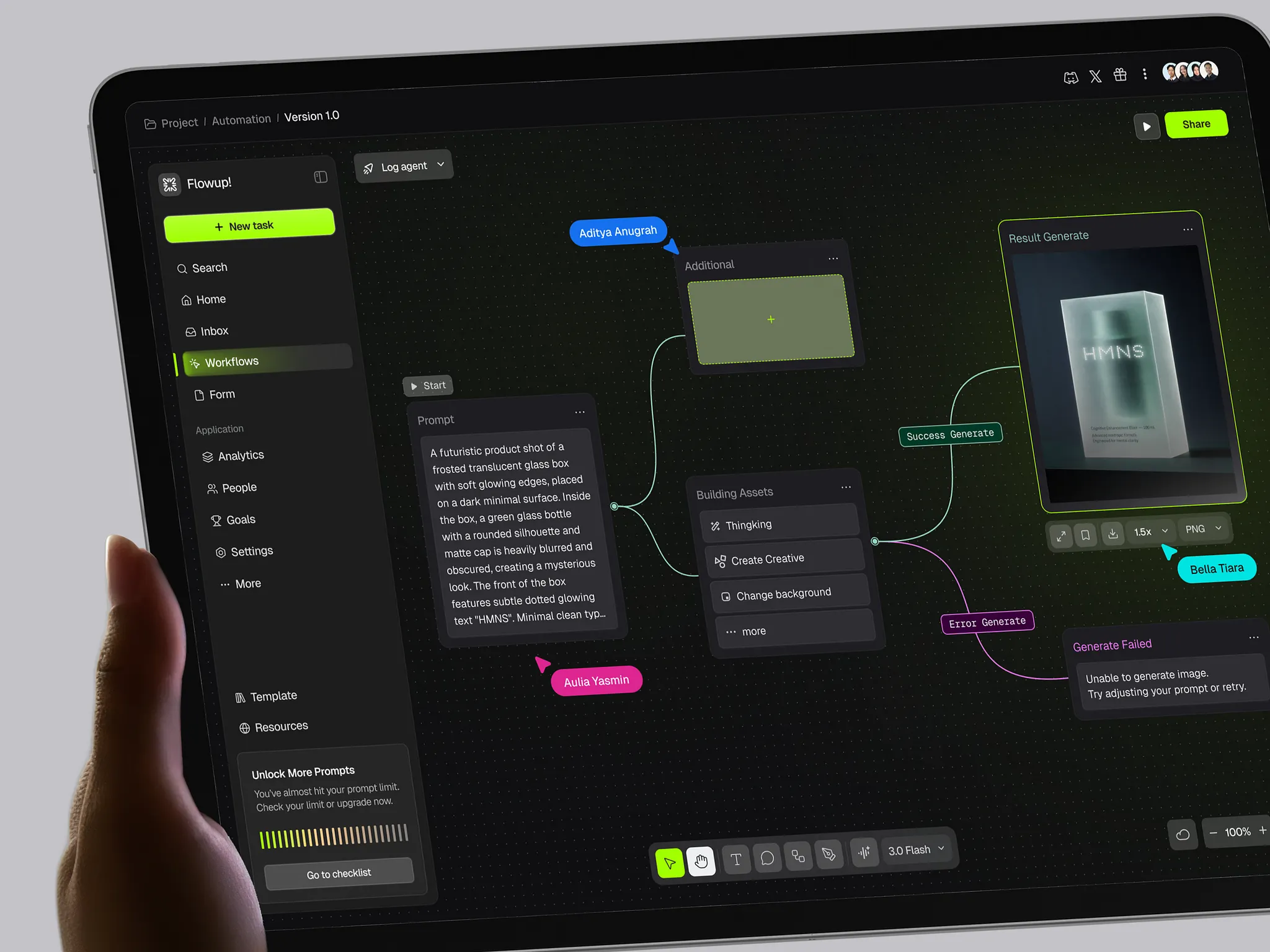
Seven AI tools open at once isn't a stack. It's just tabs.
Your AI Design Stack Is Probably Just Seven Expensive Tabs
The average designer's toolstack went from 3 tools to 7 in a single year. That's from the Designer Fund and Foundation Capital's AI in Design 2026 report, based on 905 designers across 60+ countries. 91% of them use AI weekly. 75% use it daily. And nearly half say they're still searching for their go-to setup.
Most of what people call an "AI design stack" is not a stack. It's seven Chrome tabs open at once, each doing a version of what the person in the next seat used to do. Faster, sure. But not connected.
The teams doing this well have figured out something the tool marketing hasn't caught up to yet: adding more AI tools is easy. Making them talk to each other is the whole job.
👉 Building an AI-first product and stuck between prompt outputs? Work with the team behind Boardy, Instantly, and Starbridge →
The Ceiling Everyone Hits at Week Four
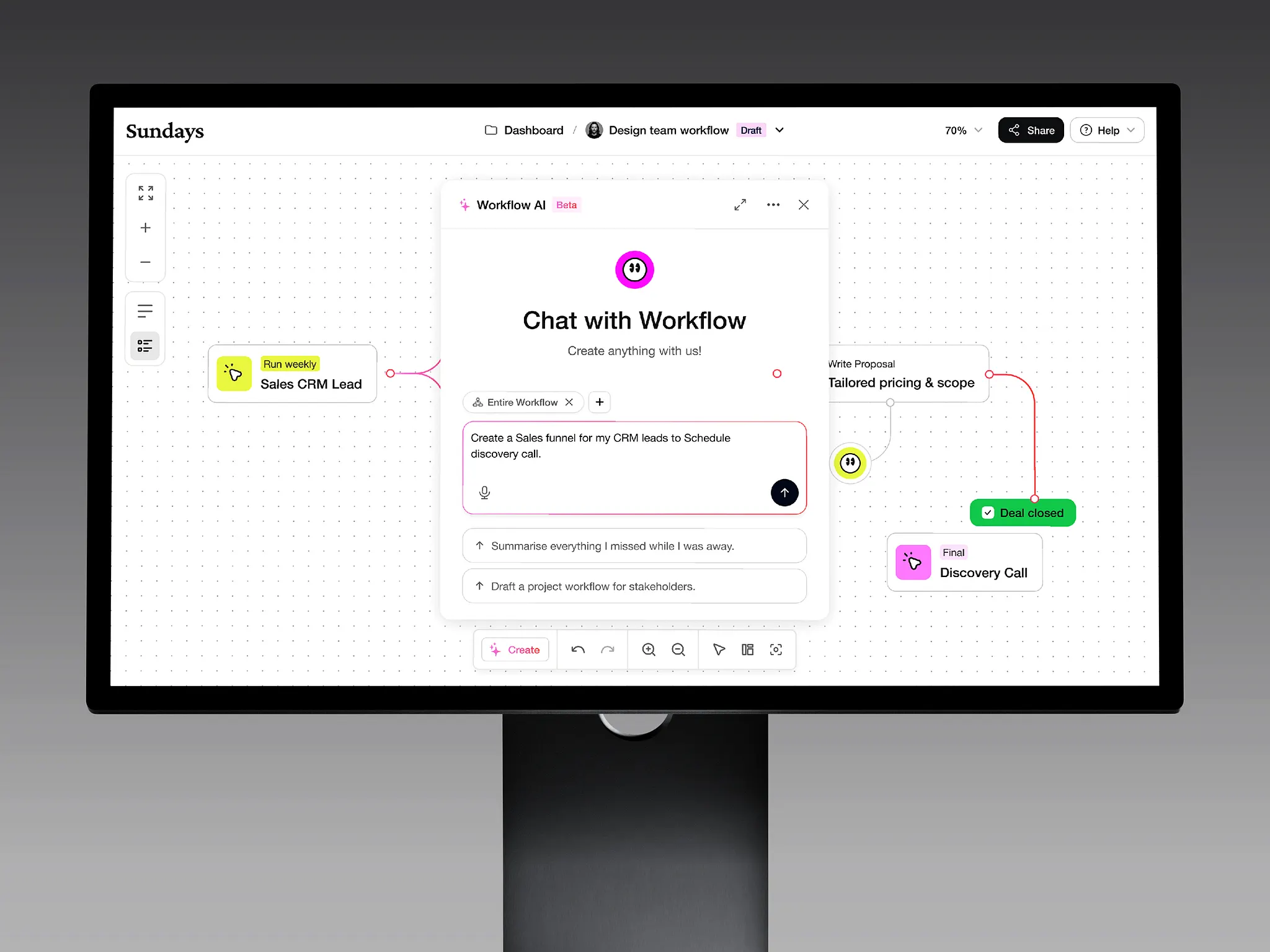
Most teams that adopted AI design tools in 2023 and 2024 did it tool by tool. Someone started using Midjourney for mood boards. Someone else brought in Claude for copy. A developer added v0 for component generation. Each tool was faster than the human method it replaced.
Then week four hits. The Midjourney board doesn't translate into a Figma component. The Claude copy doesn't fit the spatial constraints of the layout. The v0 output doesn't match the design system anyone's actually building. You've replaced slow humans with fast AI tools that don't talk to each other. That's not a workflow. It's a faster mess.
At Orizon, we've been designing AI products for companies like Boardy, Starbridge, and Instantly, and we see the same pattern on the client side. The teams shipping fastest aren't the ones with the most tools. They're the ones whose tools are wired to a single source of truth.
What Actually Works in 2026
There's no clean five-layer diagram that works for every team. That's the trap. The moment you turn "how we use AI" into a perfectly parallel org chart, you've built process, not a workflow.
What we've seen work is looser and more honest. It's a chain, and every link is a decision about who owns what.
Claude, or another long-context LLM, does the strategic thinking first.
Not the visual work. Not the copy. The framing. That means synthesizing user research, drafting the brief, pulling a competitor audit into insight statements, writing the design decisions the rest of the stack will inherit. The Designer Fund report shows Claude jumped from 52% adoption to 78% among designers in one year. There's a reason for that, and it's not the vibes. It's context length. If your LLM can't hold the whole product spec in one thread, it can't reason about it.
Then image generation gets a real brief.
Midjourney and Firefly produce garbage when the prompt is "minimalist SaaS dashboard, clean, modern." They produce something usable when the prompt inherits Layer 1's framing: "Command-driven dashboard for infrastructure engineers, high information density, terminal aesthetic, dark mode, single accent color, no decorative elements." The output is still raw. But it's raw in the right direction, and that's the whole difference.
Figma is where exploration becomes architecture.
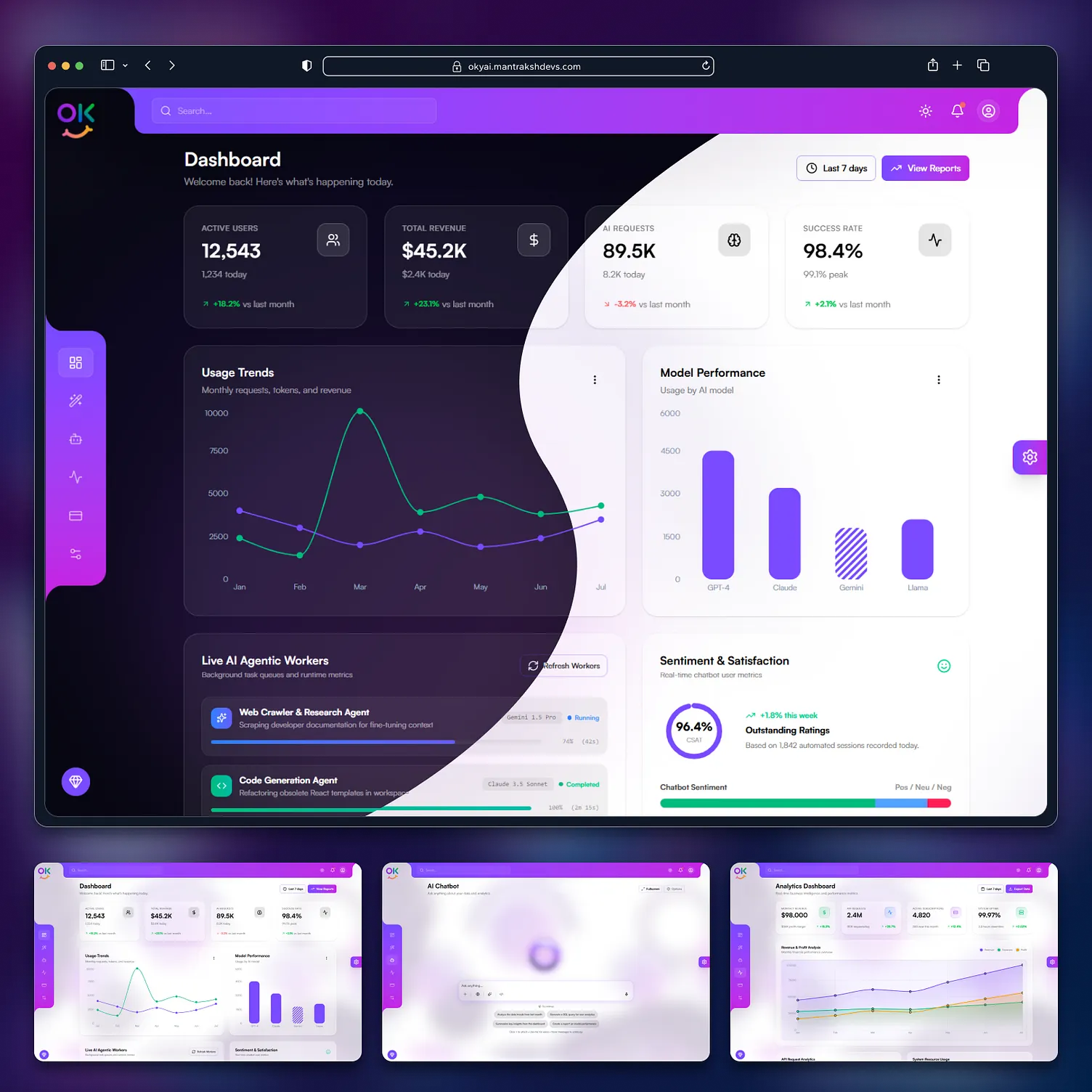
Figma AI is genuinely useful for the boring parts. Auto layout suggestions, layer renaming, content-aware fill, accessibility checks. Figma Make and the Design Agent can generate a first-pass layout from a prompt, but they don't reliably honor a real design system yet. Treat the AI features as accelerators for repetitive work and use human judgment for the component decisions that matter. Don't let a prompt-to-UI tool set the foundation.
Prototype generation happens in v0, Bolt, or Figma Make.
Here's the discipline that separates the teams doing this well: the generated code is a prototype, not a production artifact. It exists to validate an interaction, not to ship. Half of the designers in the 2026 Designer Fund survey said they've shipped AI-generated code to production. That number will bite most of them within 18 months if they don't put governance around it.
Claude comes back at the end for microcopy.
Same tool, different job. Button labels, empty states, error messages. The prompt at this point includes the strategic frame from step one, the component context from Figma, and the user's job-to-be-done. That's a very different task than "write me button copy."
Five moves. Not five layers. The distinction matters because the second one lets you skip a step when the project calls for it.
The Only Question That Matters
Everything above is table stakes. The actual differentiator is whether the tools share context.
We watch this play out on every AI project we take on. The team with the tighter stack isn't the one with the newest tools. It's the one that maintains three things:
A shared brief that every tool references. The design decisions from the strategic layer live in a single document the whole team pulls from, not scattered across Slack threads and Figma comments. When the Midjourney prompt cites the same brief the Claude prompt does, the outputs actually connect.
Human checkpoints between steps. A designer reviews the framing before image generation runs. A design lead reviews component architecture before prototype generation. These aren't bureaucracy. They're the only thing preventing what one designer we work with calls "cascading AI drift," where each tool amplifies the previous tool's mistake.
An opinionated prompt library. The best-performing teams treat their prompts like code. Tested. Versioned. Maintained. Reused. If you can't paste a prompt from a doc and get a good result in your team's design system, you don't have a workflow. You have a rumor.
What This Actually Costs You If You Skip It
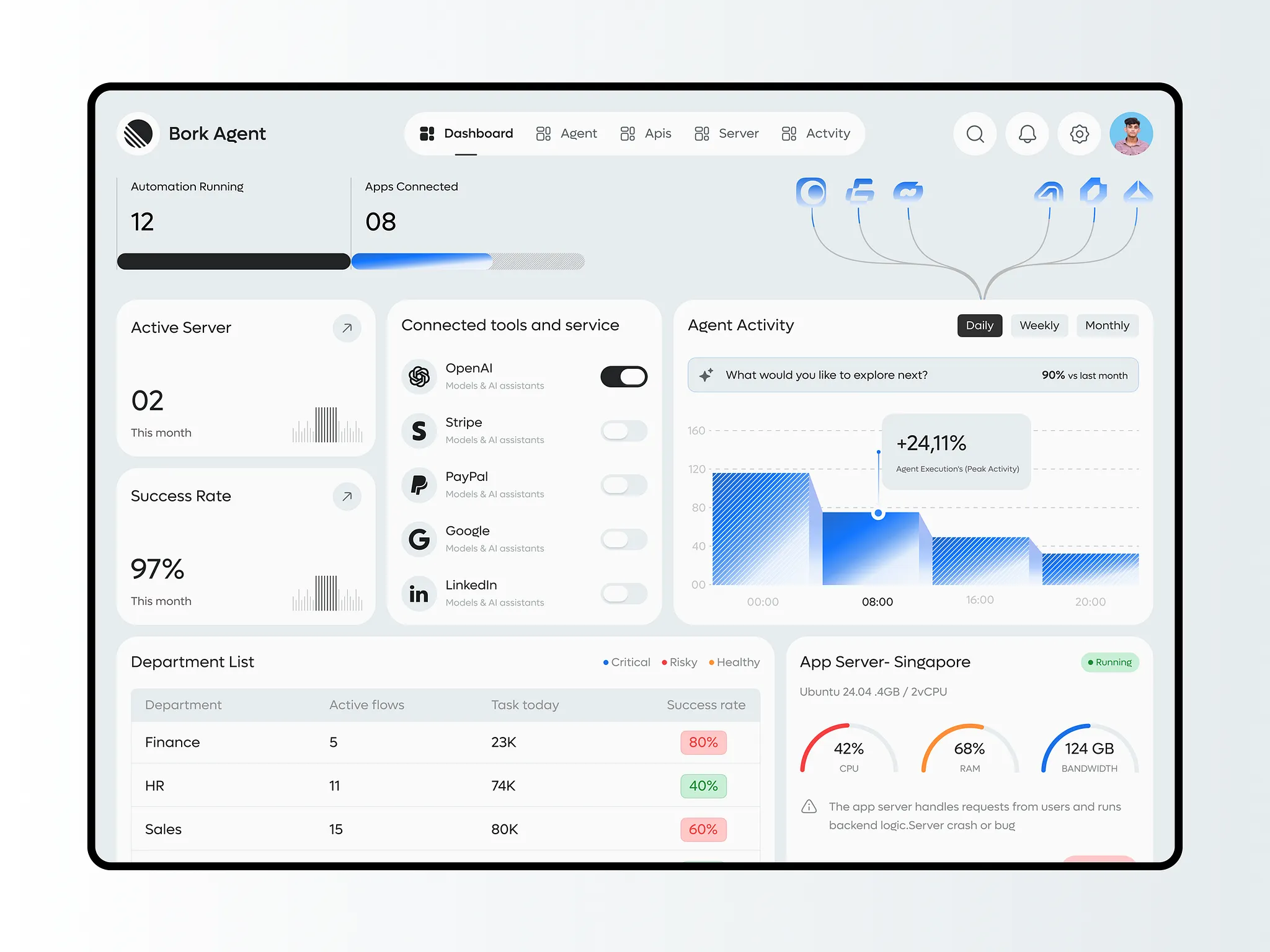
The teams still running seven-tab chaos aren't slow. They're often producing more output than they were a year ago. The problem is the output doesn't compound. Every project starts from scratch. Every prompt gets reinvented. Every handoff loses context.
The teams with real stacks are compounding. Their prompt library gets better every project. Their design system gets tighter every sprint. Their AI outputs get sharper every month because the inputs feeding those outputs get sharper.
That's the whole game.
Key Takeaways
- The average designer's AI toolstack doubled from 3 tools to 7 in one year, according to the Designer Fund and Foundation Capital 2026 report
- More tools isn't a workflow. Most stacks are just seven tabs open at once, with no shared context between them
- Real AI orchestration is a chain of five moves: strategic framing (Claude), visual exploration (Midjourney), component architecture (Figma), prototype generation (v0 or Figma Make), microcopy (Claude)
- Claude adoption jumped from 52% to 78% in a year because long context length is what makes strategic framing work
- Half of designers say they've shipped AI-generated code to production, which is a governance problem waiting to happen
- The differentiator between good and bad AI stacks is shared context: one brief, human checkpoints, an opinionated prompt library
- The right question is not "what can this tool do" but "how does this tool make the next tool sharper"
Building an AI product and want a design partner who actually treats these tools as a system?
Book a call with Orizon 🚀
FAQs
What is an AI design stack?
An AI design stack is a deliberate sequence of specialized AI tools, each handling one phase of the design process, wired together by a shared brief and design system. The point is that each tool's output improves the next tool's input.
Which AI tools do designers actually use in 2026?
The Designer Fund 2026 report puts Claude at 78% adoption and ChatGPT at 65% among designers. Beyond LLMs, the common stack includes Midjourney or Adobe Firefly for visual exploration, Figma AI and Figma Make for component work and first-draft layouts, and v0 or Bolt for prototype generation.
How much time does an AI design stack actually save?
There isn't a single reliable number. Any specific percentage floating around vendor marketing should be treated with suspicion. What is documented in the Designer Fund report is that 91% of designers use AI weekly and 75% daily. The teams reporting real speed gains are the ones with orchestrated workflows, not the ones with the most tools.
What's the difference between using AI tools individually and orchestrating them?
Using tools individually means each AI output is a standalone artifact with no connection to the others. Orchestration means outputs connect. The strategic framing informs the image prompt, which informs the component architecture, which informs the prototype. Context compounds instead of resetting every time.
Do you need a large team to build an AI design stack?
No. A two-person team of one designer and one developer can run a simplified version. What doesn't scale down is the discipline: a shared brief, human checkpoints between steps, and a prompt library everyone contributes to.
Is vibe coding the same as an AI design stack?
No. Vibe coding usually means generating UI through natural language with minimal strategic framing and no design system anchor. An AI design stack is the opposite: heavy strategic framing up front, prompts anchored to a real design system, and human review at every handoff.
What role does the human designer play in an AI design stack?
Humans own the strategic framing, the handoff decisions between steps, the design system, and the final quality bar. AI accelerates execution inside each step. Designers own coherence, direction, and taste. The Orizon work we do with AI-first clients is heavier on strategic framing than any other phase, because the framing is what makes the rest of the stack pay off.
How do you build an AI prompt library that's actually useful?
Start collecting prompts that produced notably good results in each tool. Document the context they were used in. Review and refine monthly. Version them like code. A prompt library that isn't maintained decays fast, because the tools update every quarter.
What's the biggest mistake teams make with their AI design stack?
Skipping the strategic framing step and jumping straight to visual generation. Without a clear brief that every tool references, each subsequent tool produces outputs that don't connect. The result is a faster mess, not a faster process.
How does Orizon help clients build AI-orchestrated design workflows?
We work with AI-first clients like Boardy, Instantly, and Starbridge on the strategic framing and design system layer specifically. Once that foundation is in place, the rest of the stack works. Get in touch if you want to talk about what this could look like for your team.
Header image: Photo by Emura / Dribbble – “FlowCraft - Dashboard AI Workflows SaaS” (Shot #27219475).

Keep Reading
More from Orizon

Let's Talk
Design done right and fast by
people you can trust.


%20(1).avif)




.svg)


.svg)